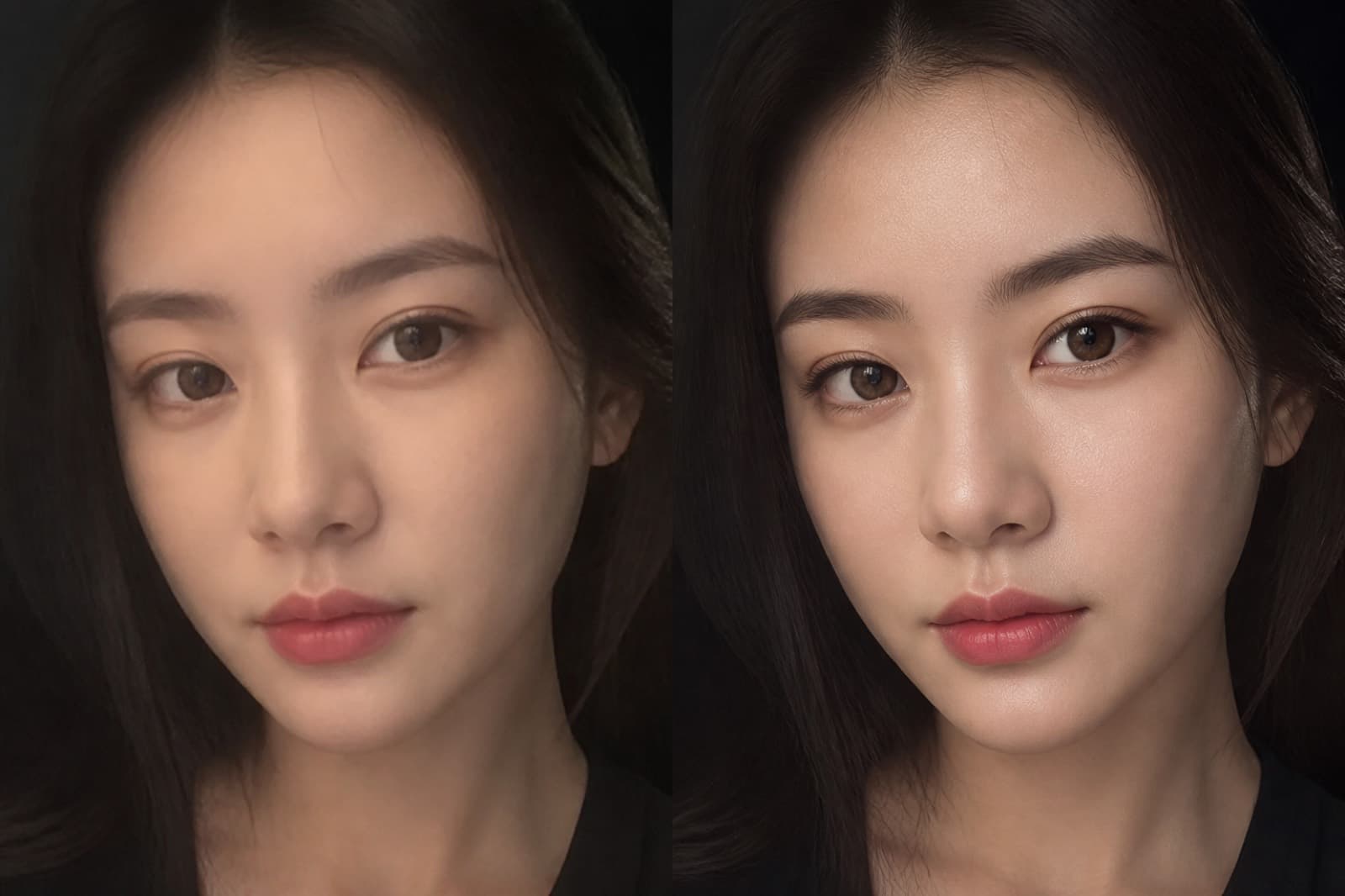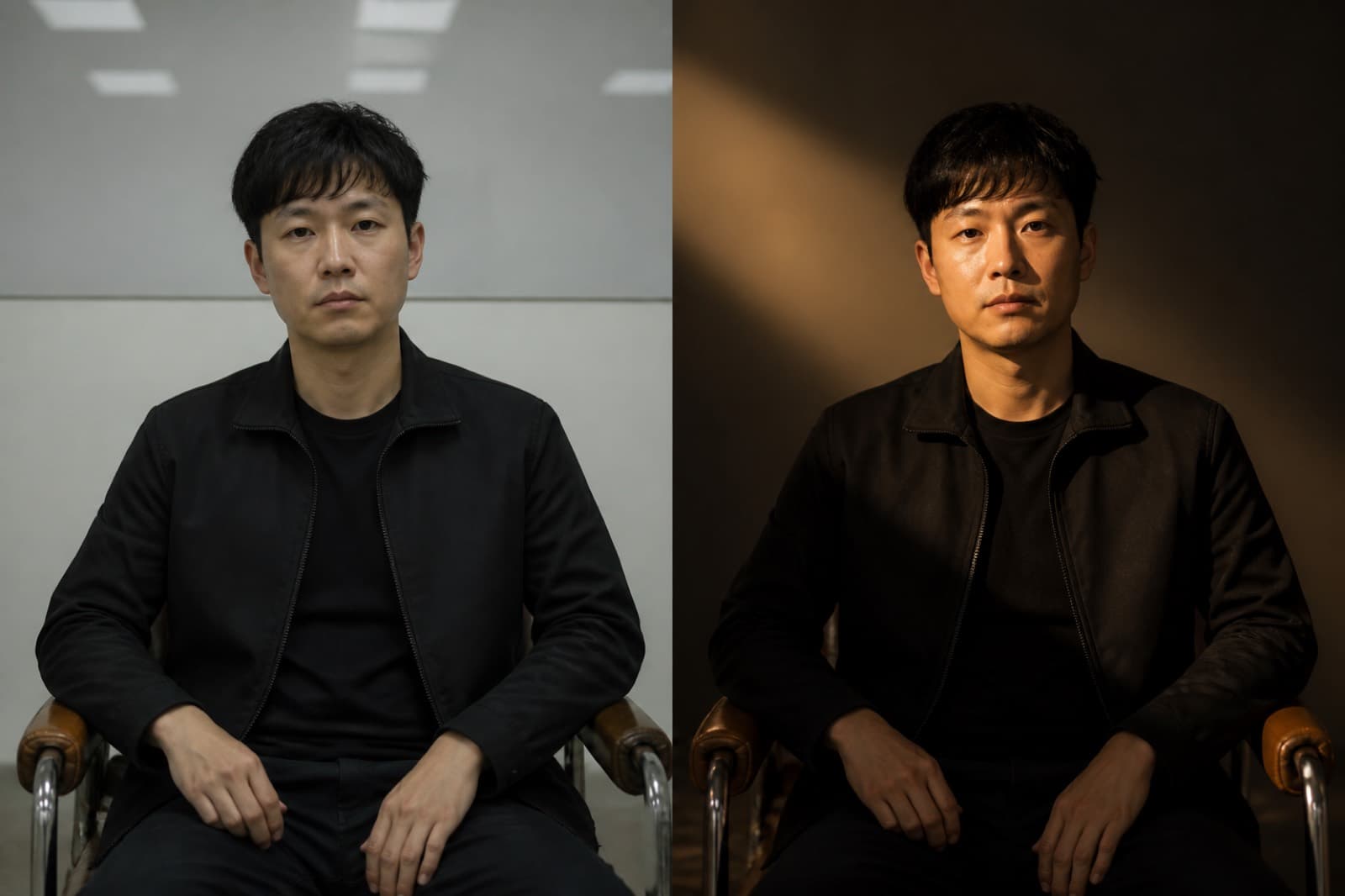

Drag the handle to compare before and after.
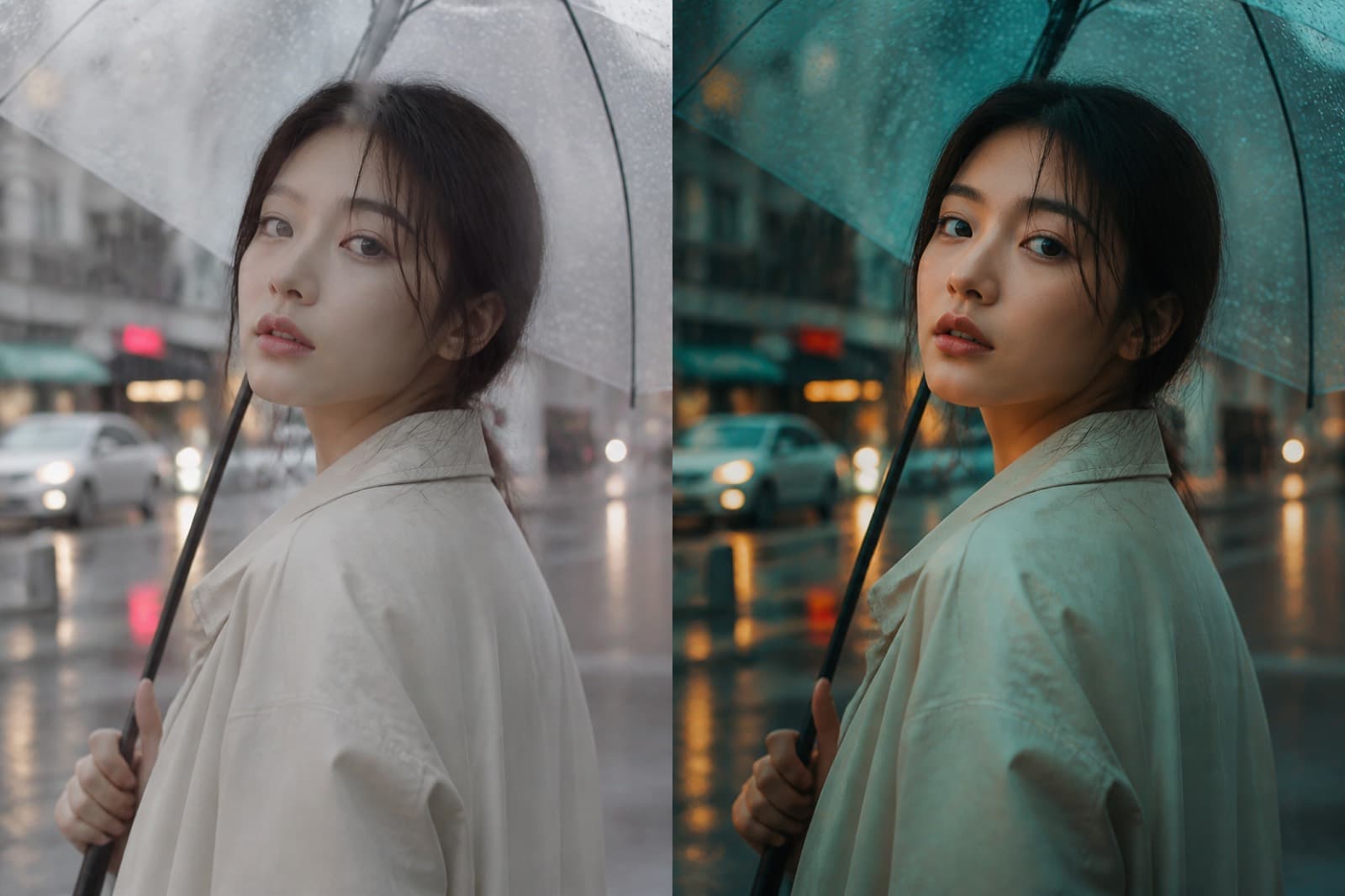
The cafe still gets teal shadows and warm highlights. The pose stays.
Setup
AI · creditsRicher light and mood, same identity.
Push the still toward a finished look without changing who is in frame.
Click this button, then watch the right side
Sign in with credits to generate here
After you sign in, generated assets land in My Projects. Open that list anytime to find them.
Preview
The result appears here
Samples sit under the bench. They are not your upload. Drag the handle on before-and-after pairs.
Drag the handle to compare before and after.
The cafe still gets teal shadows and warm highlights. The pose stays.
People open Color Grade to finish one still and take it with them.
01
Several stills need the same light and grade to sit in one scene.
02
A portrait is flat or hot. Lift the face, keep the person.
03
Flash or a color cast killed the scene. Fix the light first.
STEP 1
Drop the still. Add a short note if you want, and write only this one change.
STEP 2
Change model and size if you need. Read the credit estimate. Sign in first if needed.
STEP 3
Compare before and after on the right. Download it, or keep it in My Projects.
You can read the page and examples first. Generate asks you to sign in. An empty generate stays here.
The generate button shows the estimate. Image jobs default to the site model and one 2K still. Local crop and annotate cost nothing.
Signed-in results go to My Projects. Download here, or open My Projects later for the same files.
It grades or lifts the face. It should not change identity. Use repaint to change a face or costume.
Failed jobs are usually not charged. The button is an estimate; the ledger shows the successful charge.