Home / Features
Xiaoyingma Features
Built-in image and video tools, plus the studio entries. Cards mark AI, local, or cloud: model jobs spend credits; crop and annotate stay in the browser and free; trim, video crop, split, upscale, and caption erase run in the cloud and stay free. Browse without signing in.
 AI
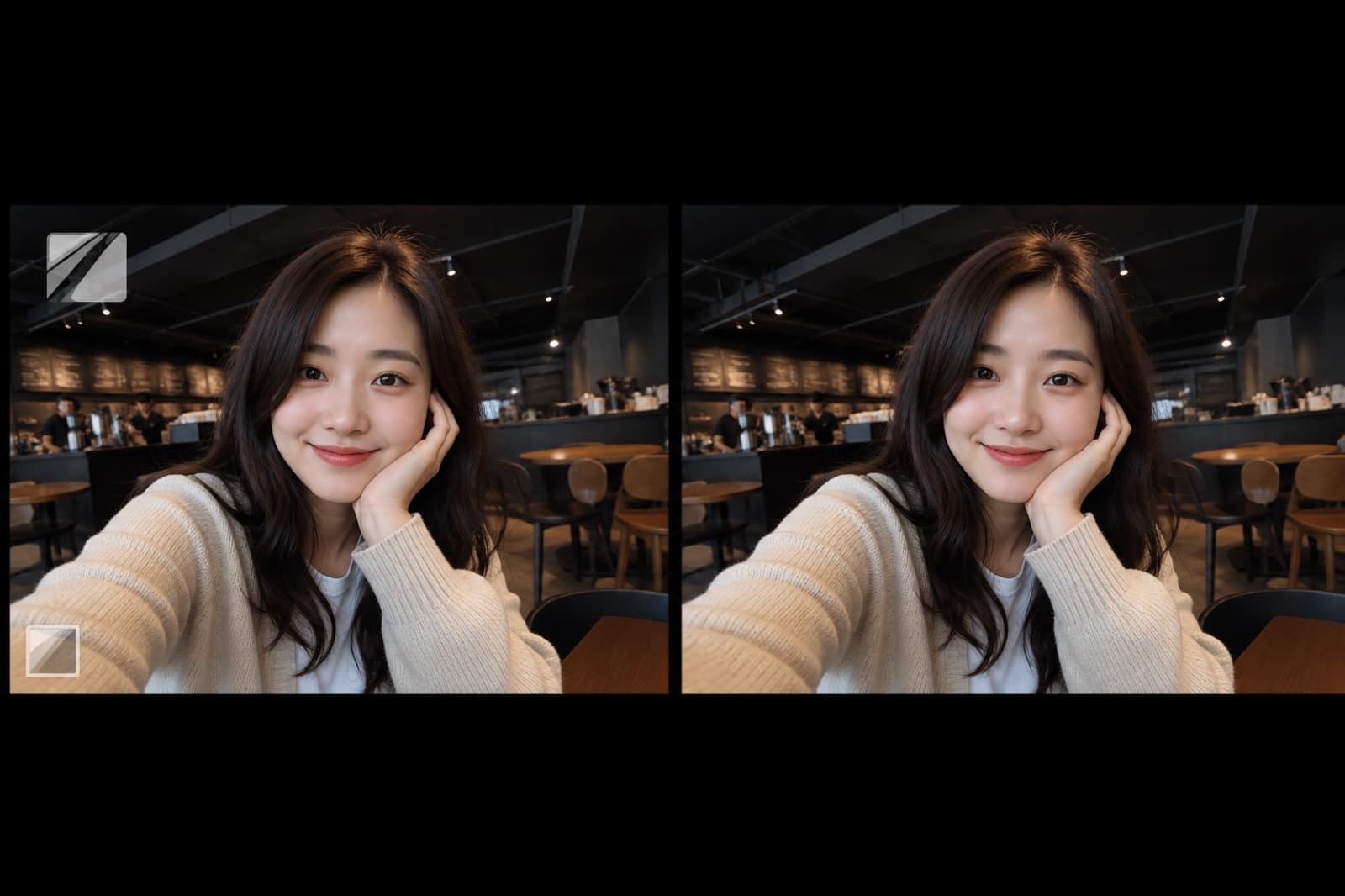
AIRemove Watermark
Remove logos and overlays while keeping the original frame.
 AI
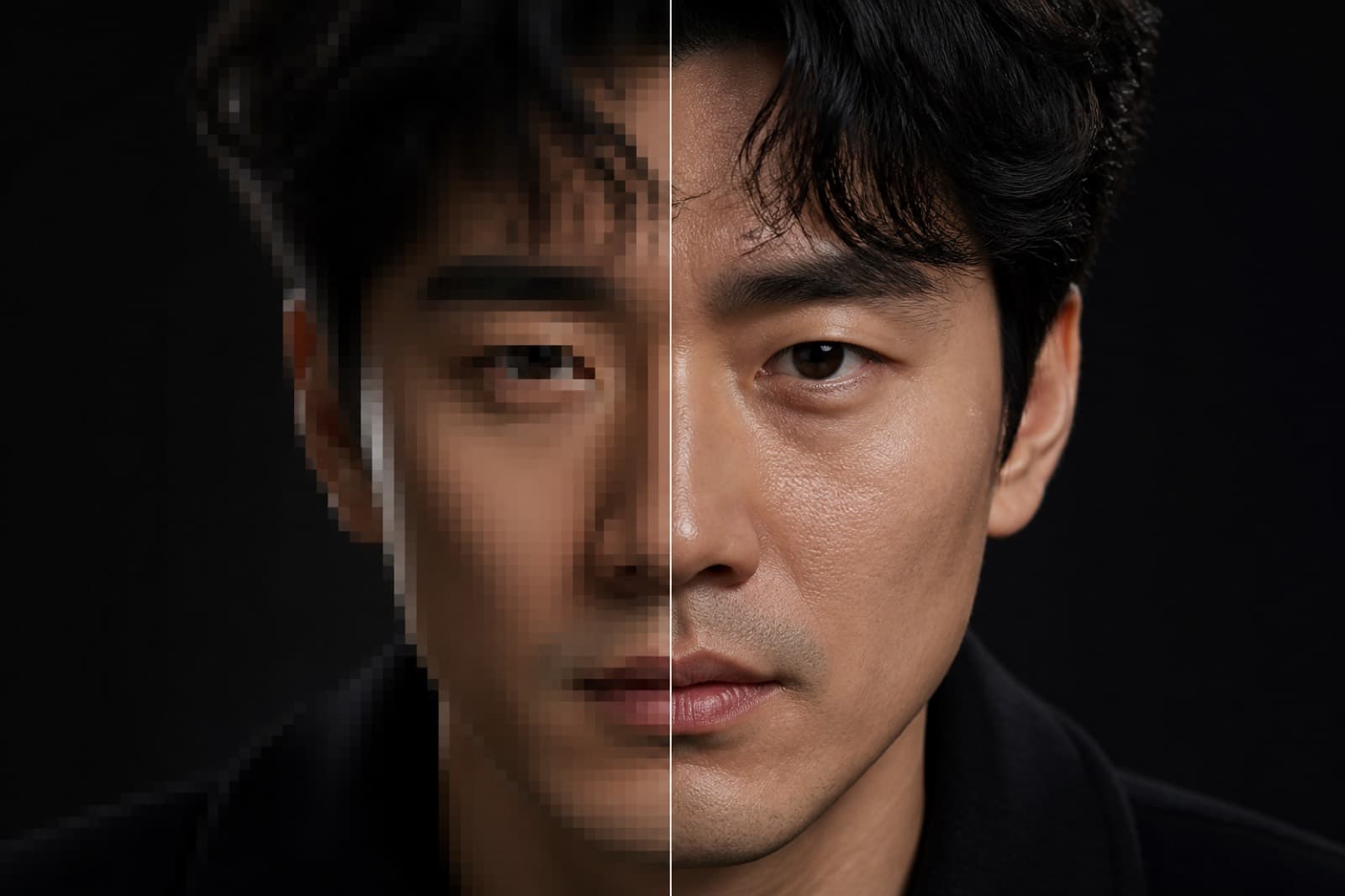
AIUpscale
Sharpen texture and detail without changing identity.
 AI
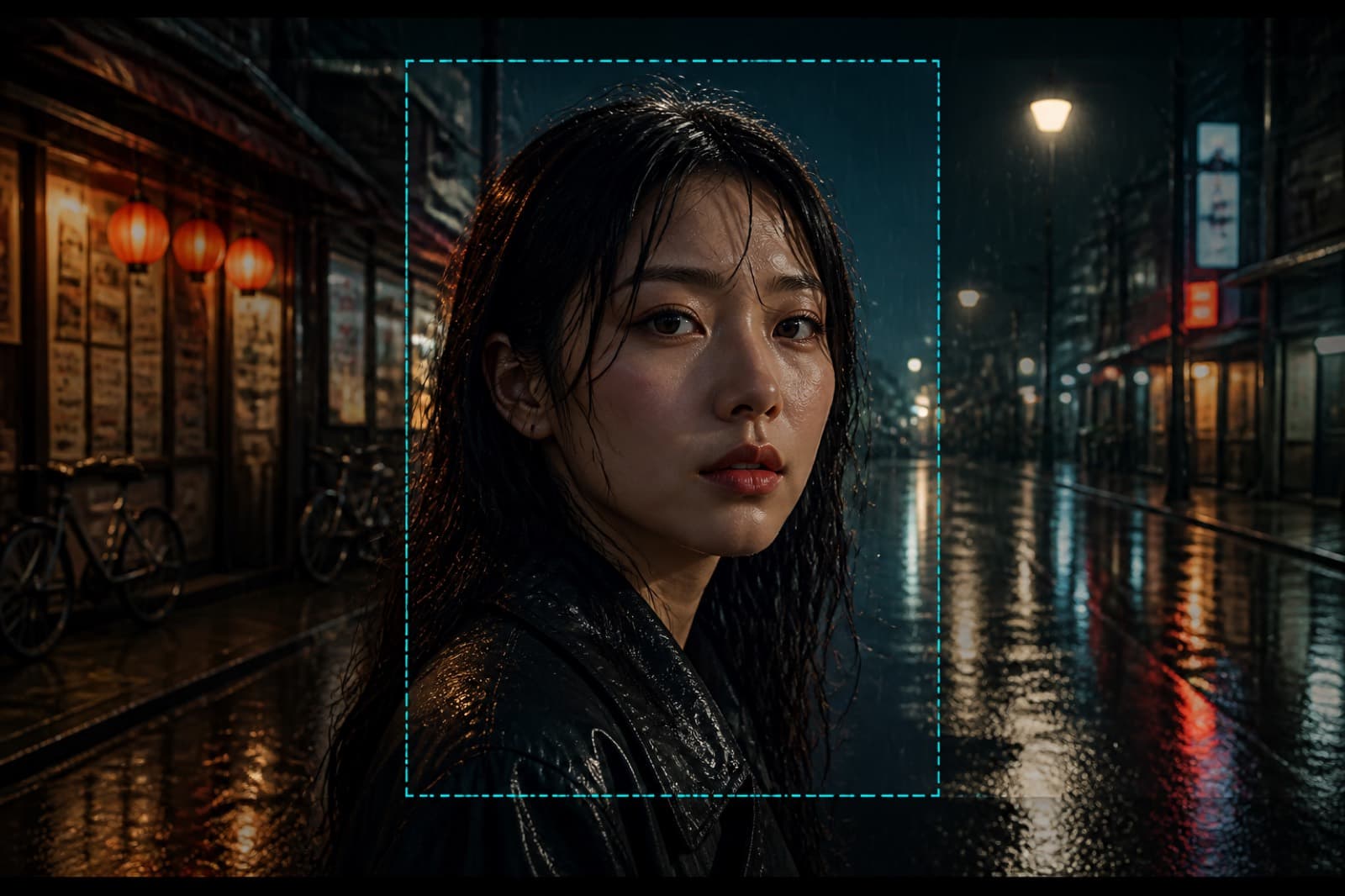
AIExtend Frame
Extend the frame while keeping the subject.
 AI
AIRepaint Area
Repaint a brushed region from your note.
 AI
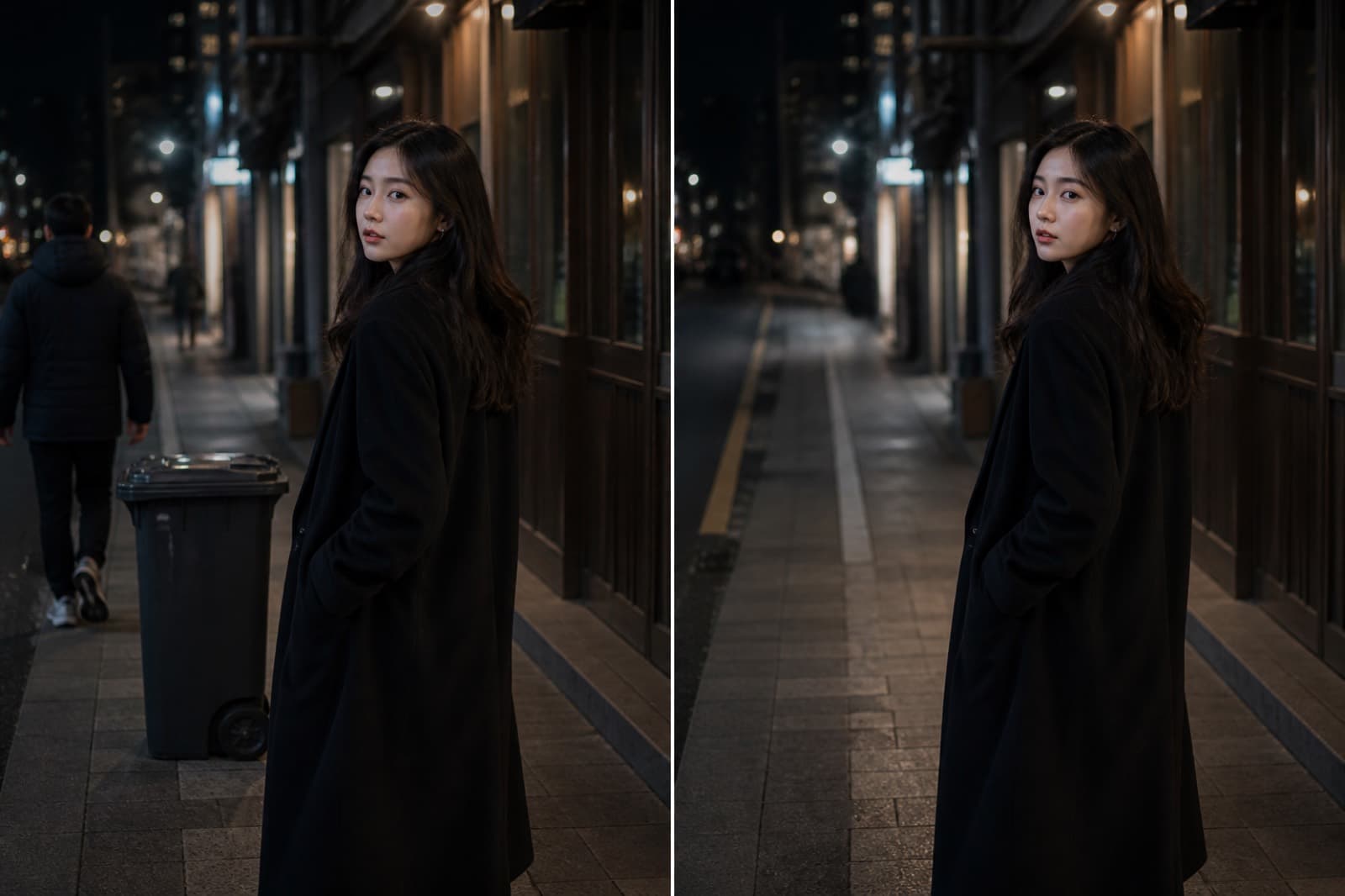
AIRemove Object
Remove a brushed object and fill the gap.
 AI
AICut Out
Keep the subject and drop the background.
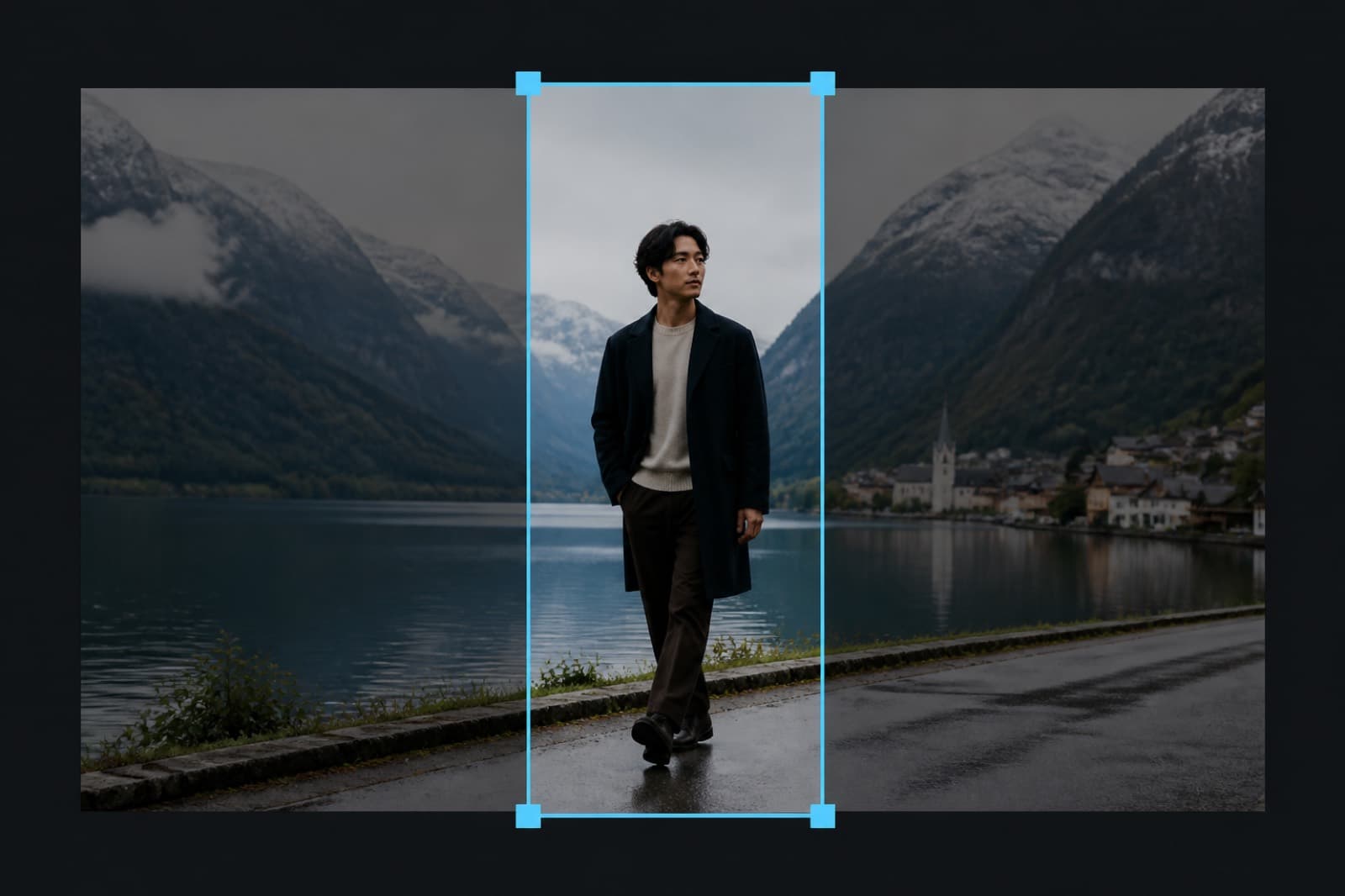 Local
LocalImage Crop
Crop to the frame you need, then download.
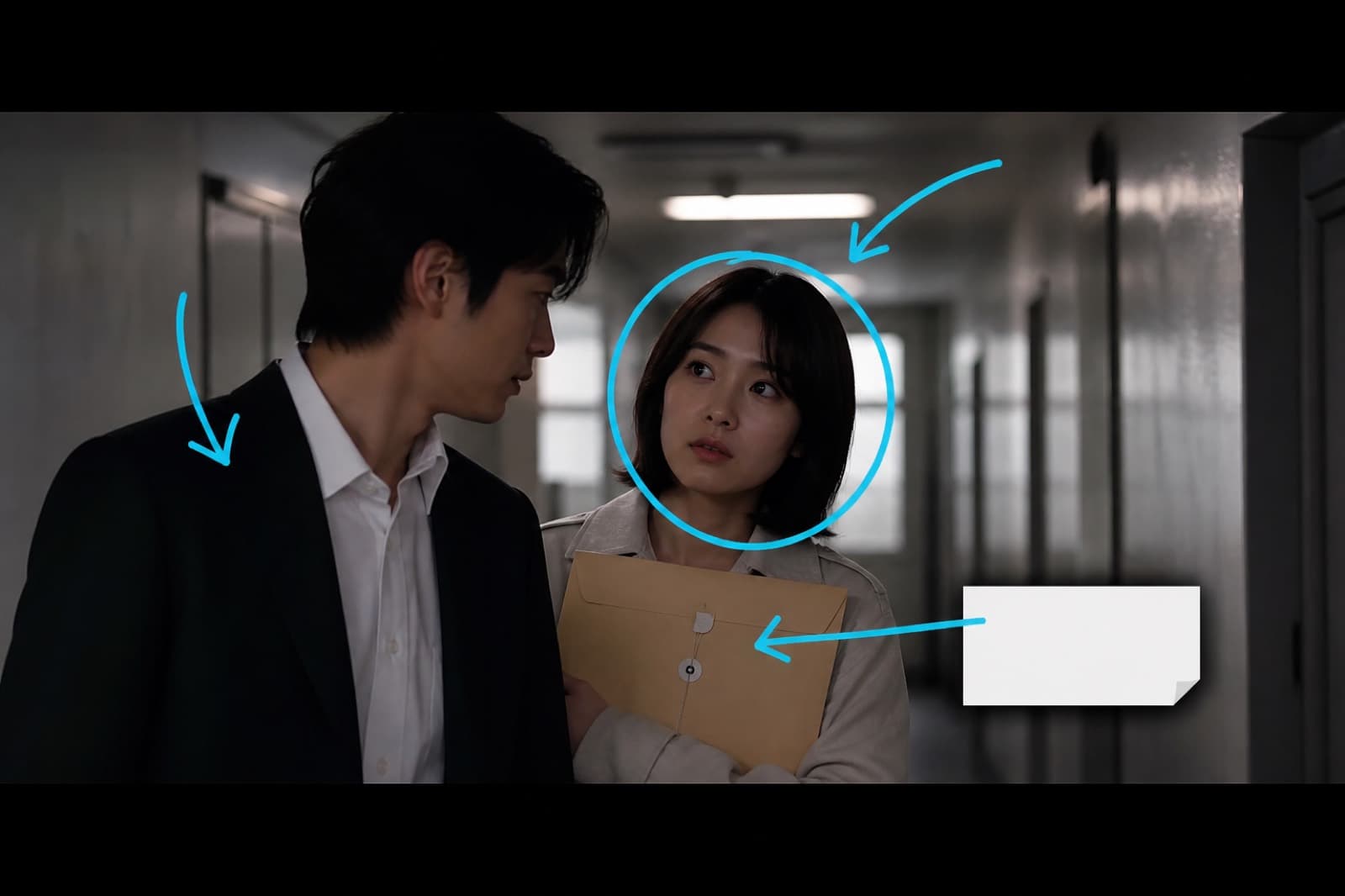 Local
LocalImage Annotate
Draw marks or text and save a new still.
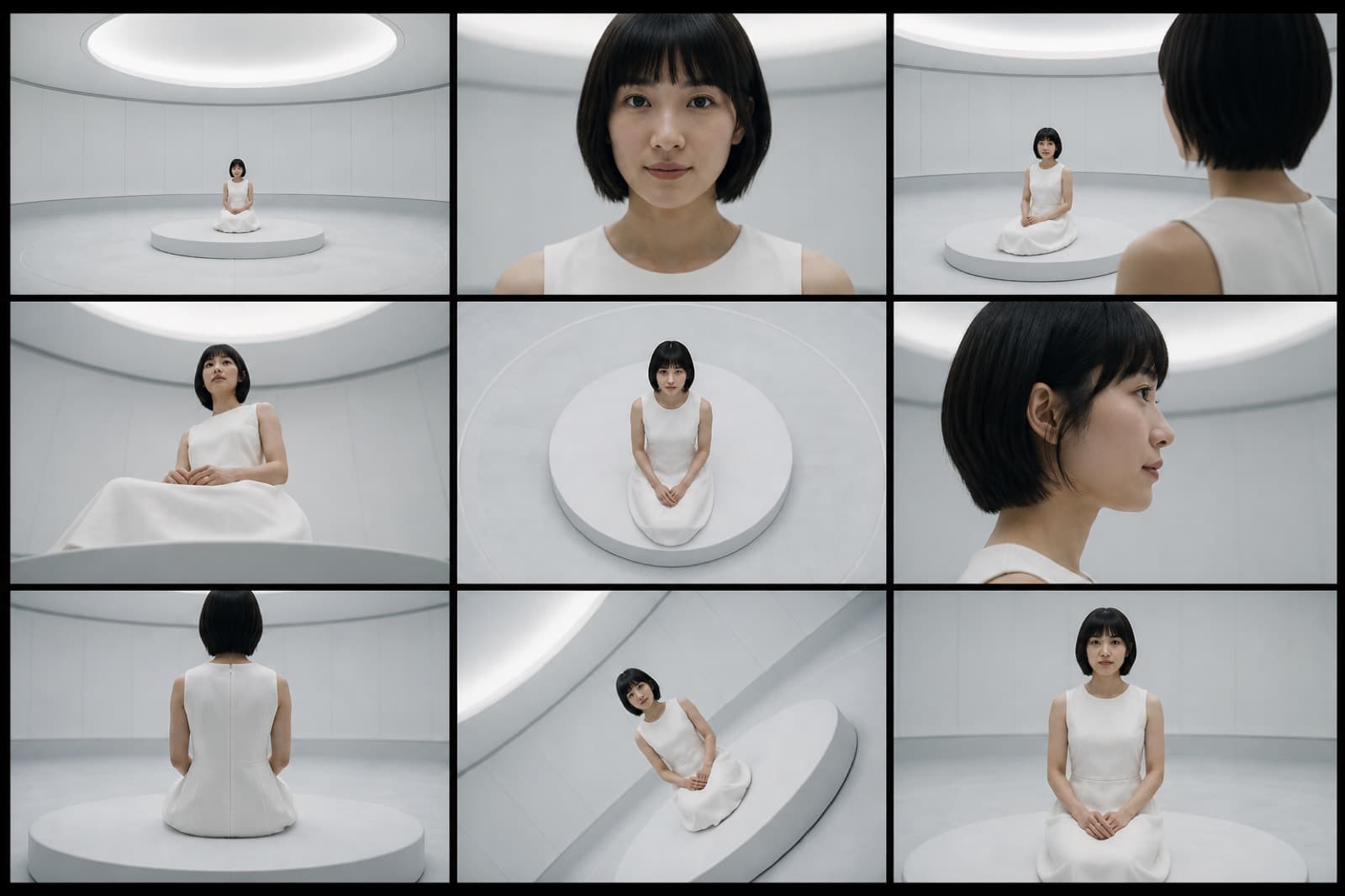 AI
AINine-camera Grid
One moment, many cameras, same subject.
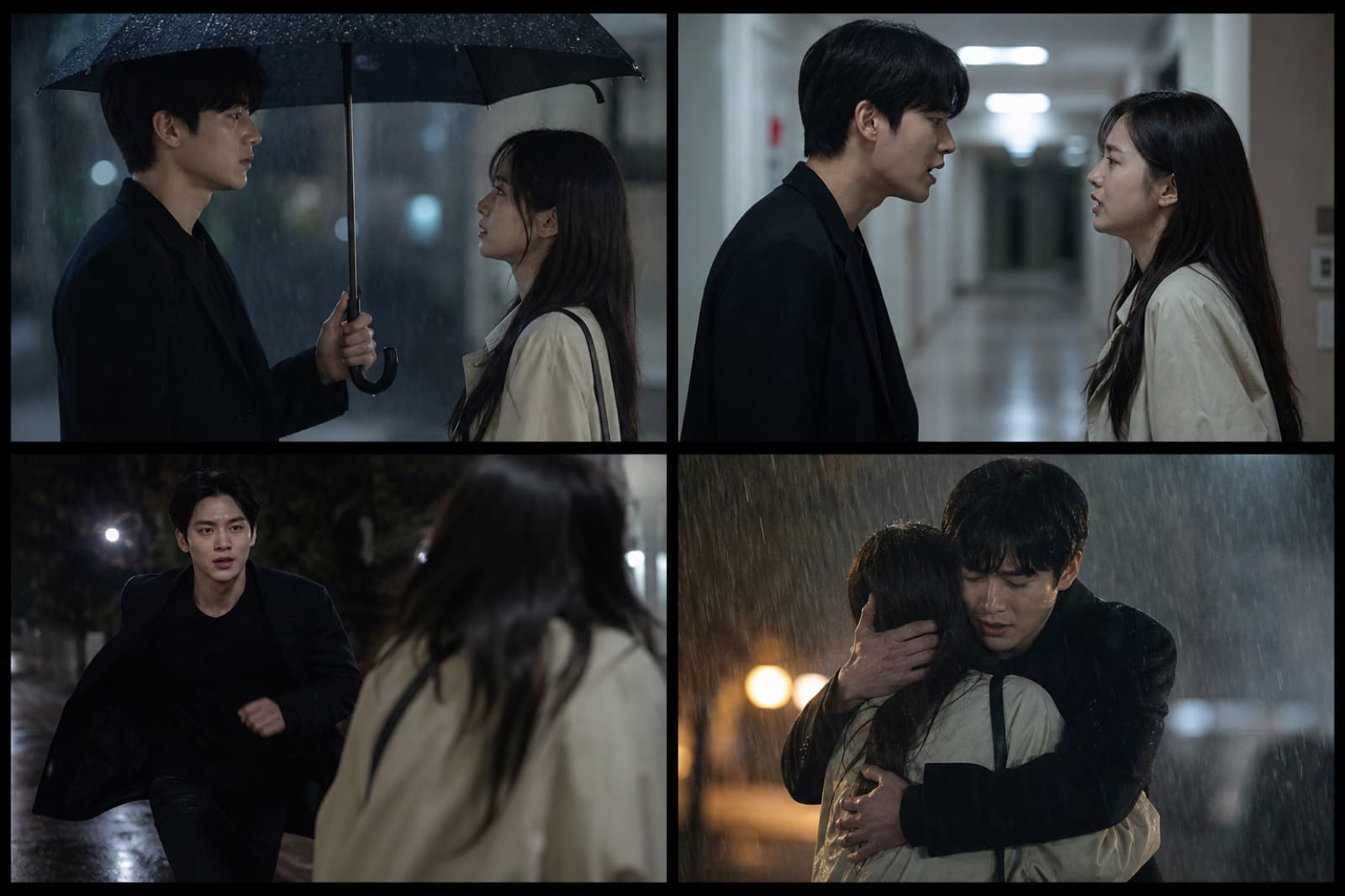 AI
AIFour-beat Story
Four beats: setup, turn, peak, close.
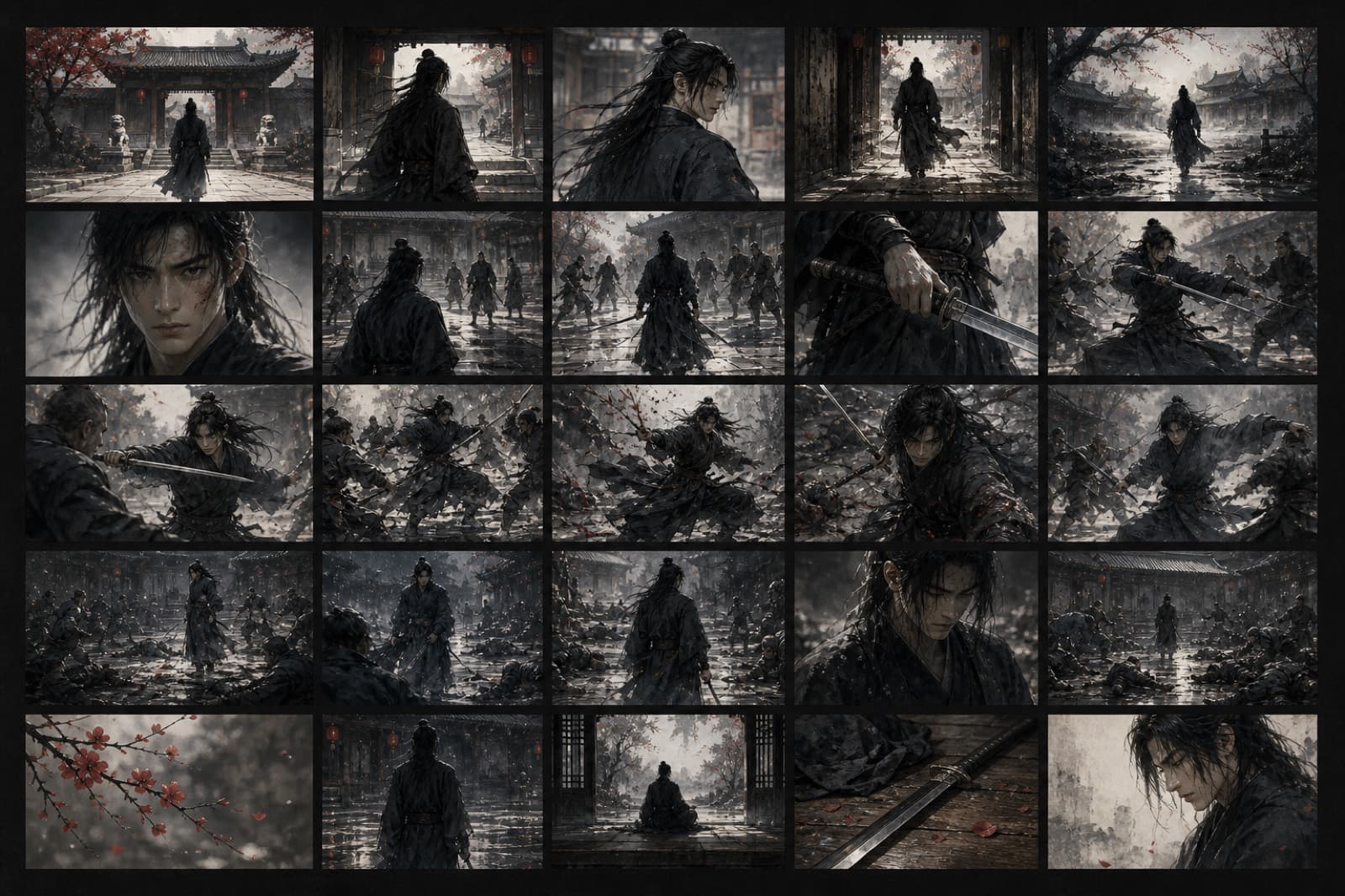 AI
AI25-shot Board
A long, consistent storyboard sheet.
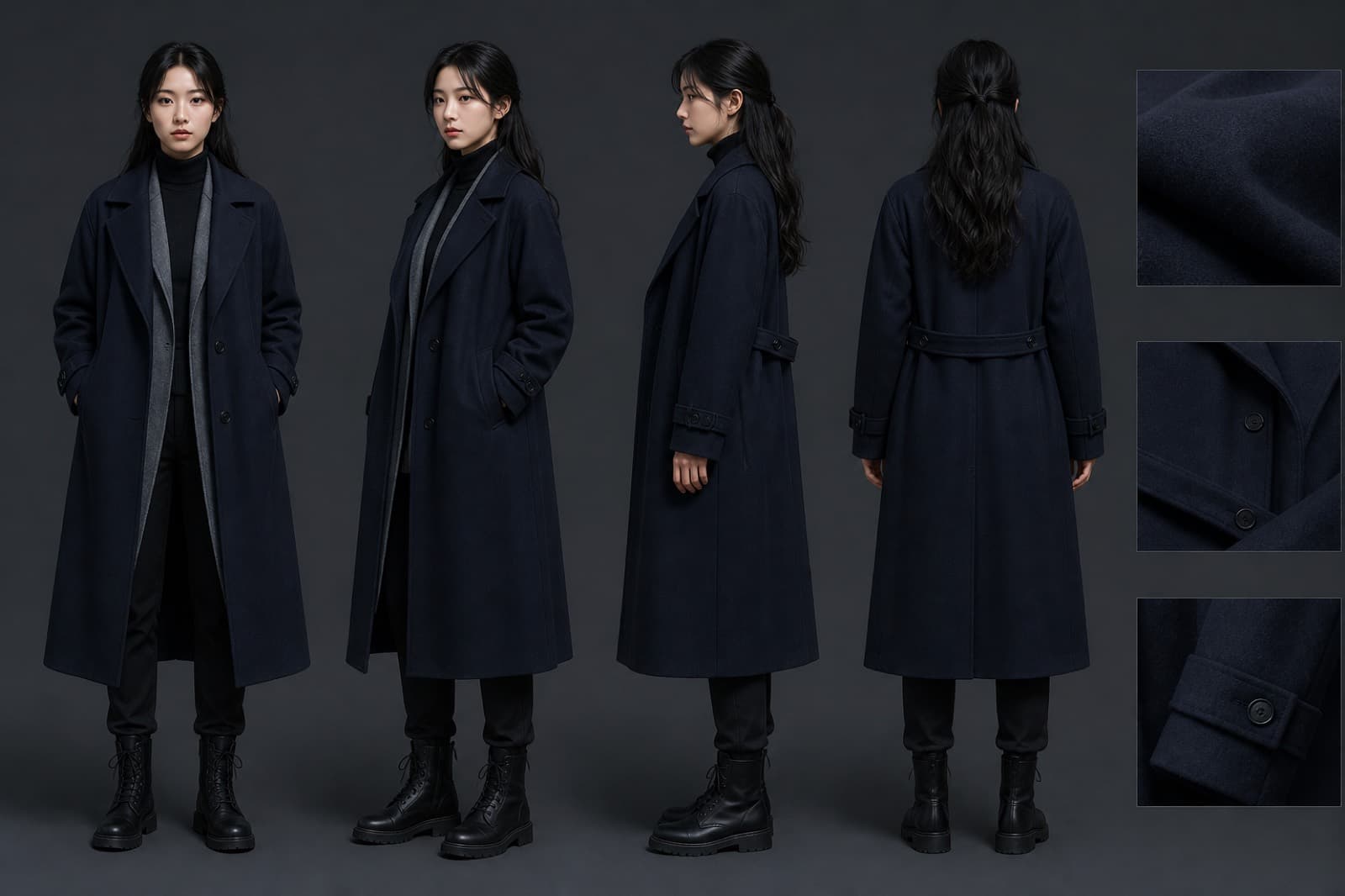 AI
AICharacter Sheet
Full costume and body, clean backdrop.
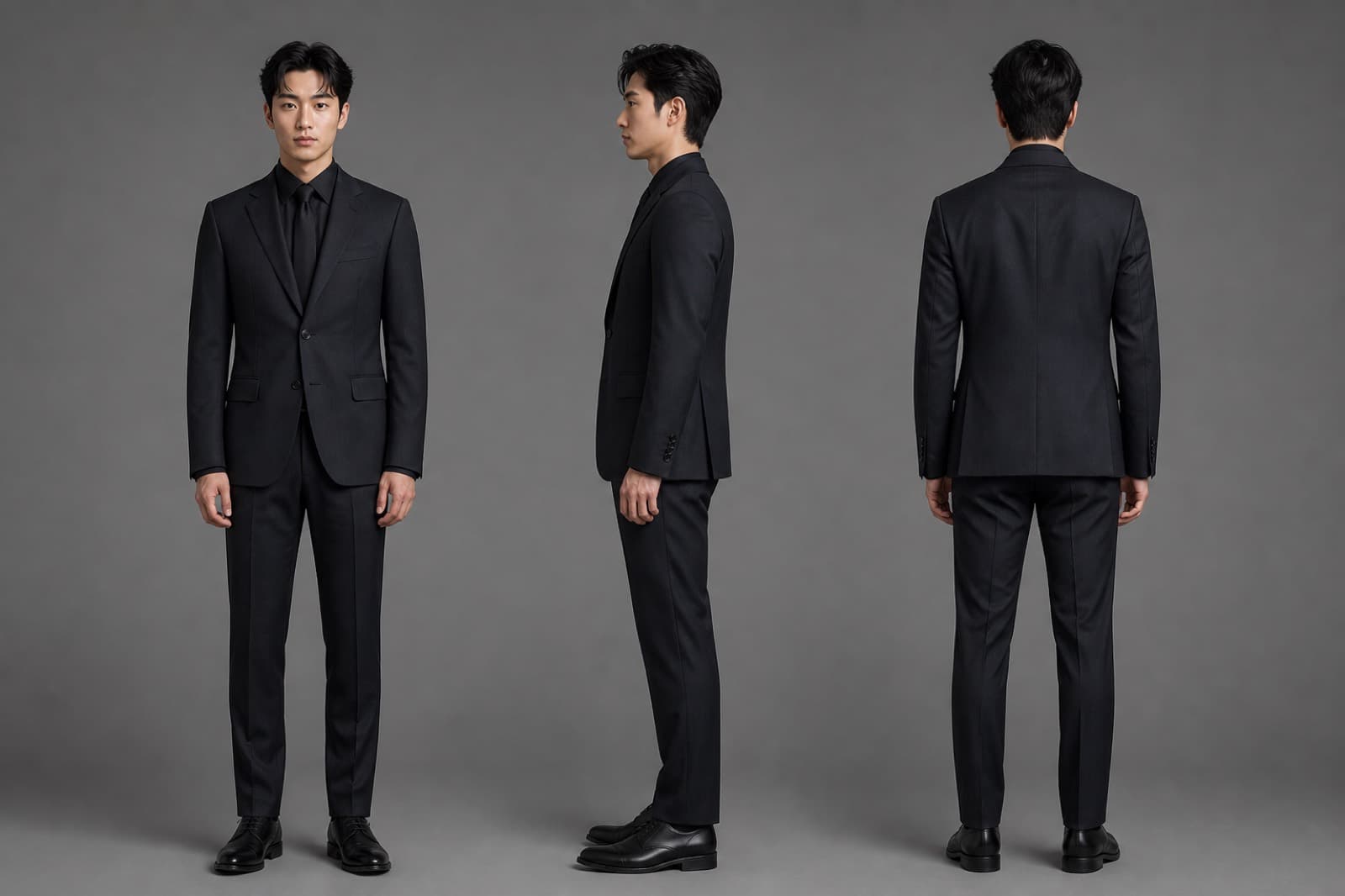 AI
AICharacter Turnaround
Front, side, and back at one proportion.
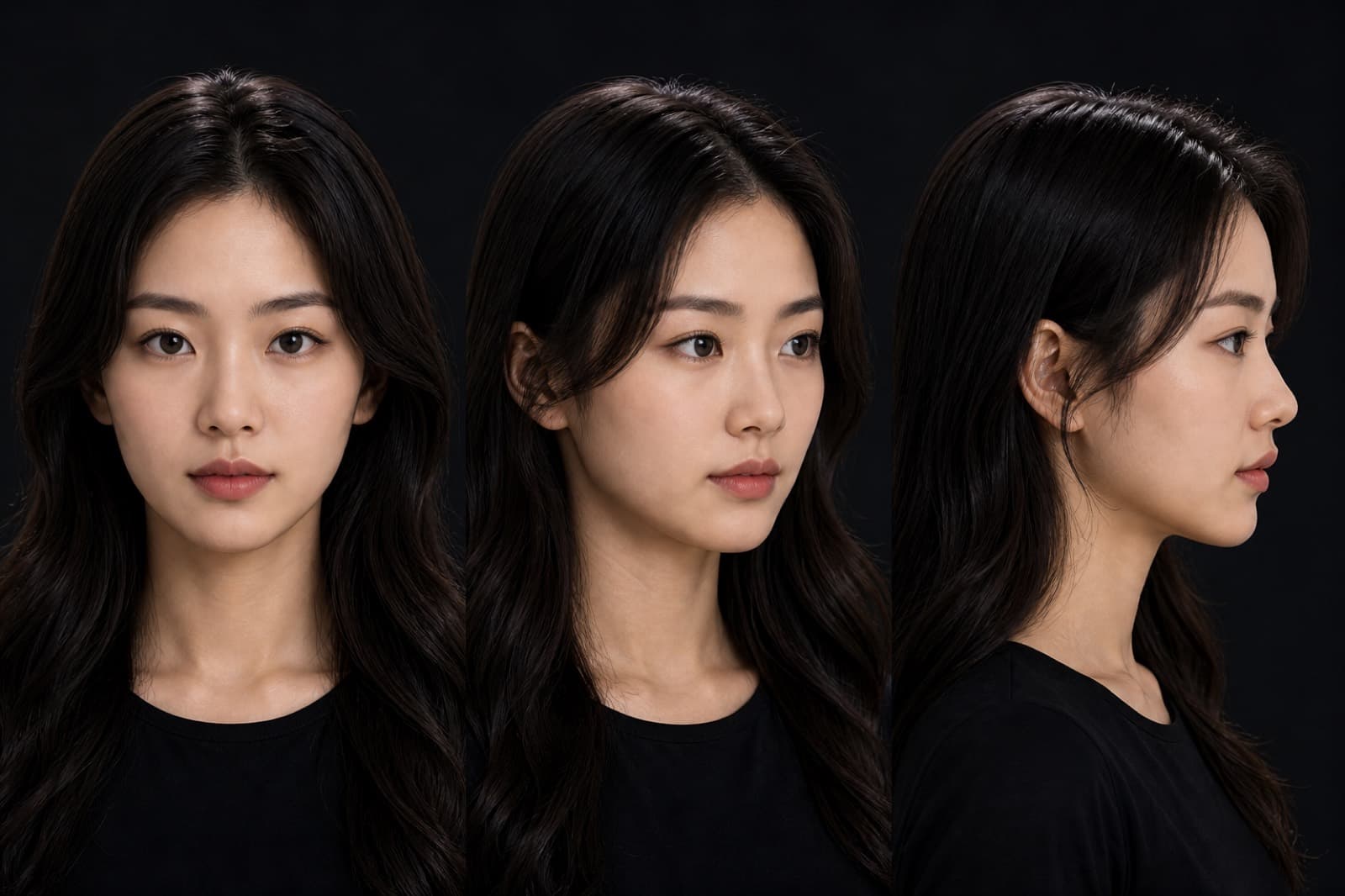 AI
AIFace Turnaround
Front, side, and three-quarter face.
 AI
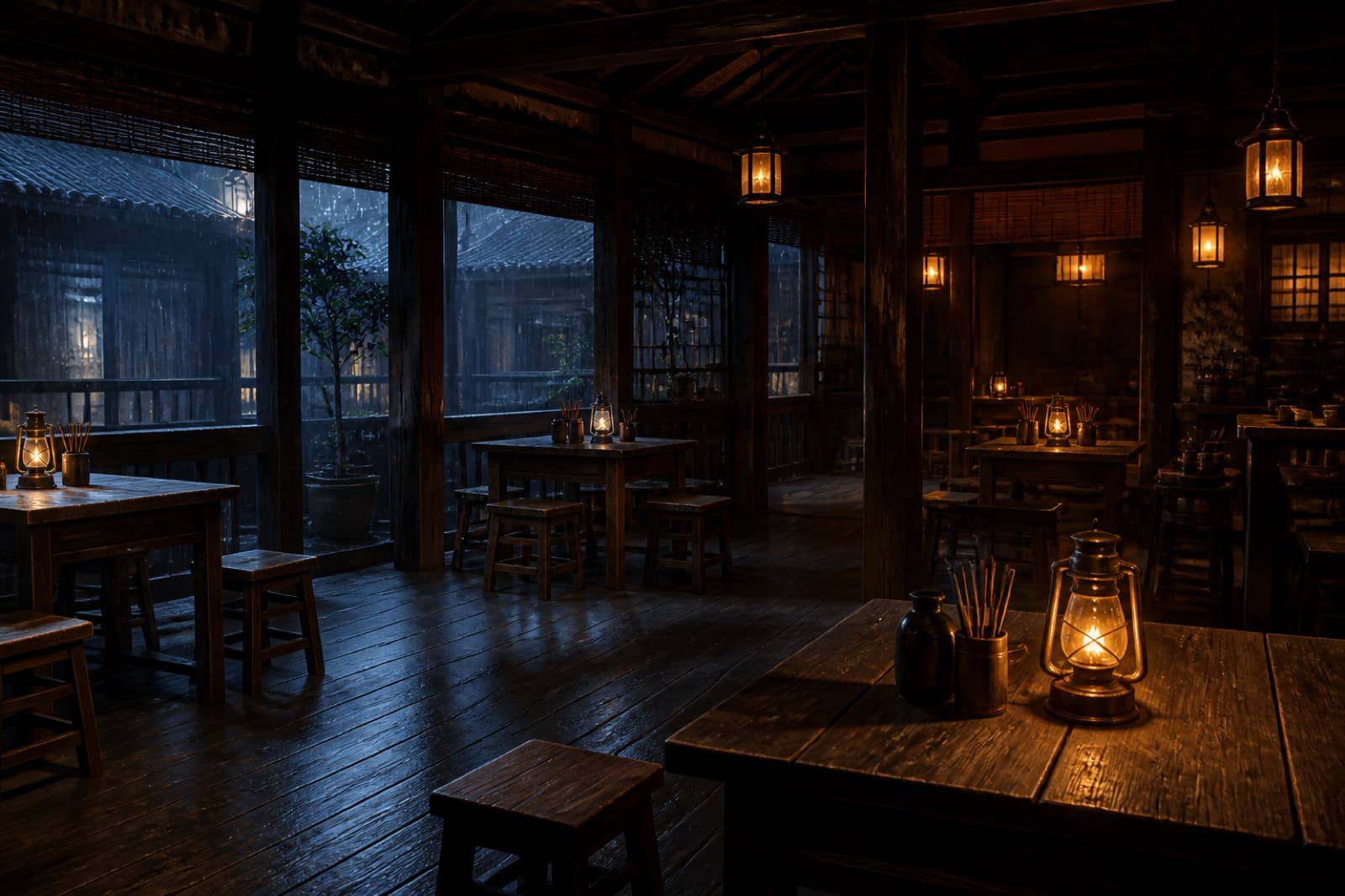
AIScene Sheet
Space and key set dressing in one still.
 AI
AIProduct Sheet
Several angles, clear materials.
 AI
AIColor Grade
Richer light and mood, same identity.
 AI
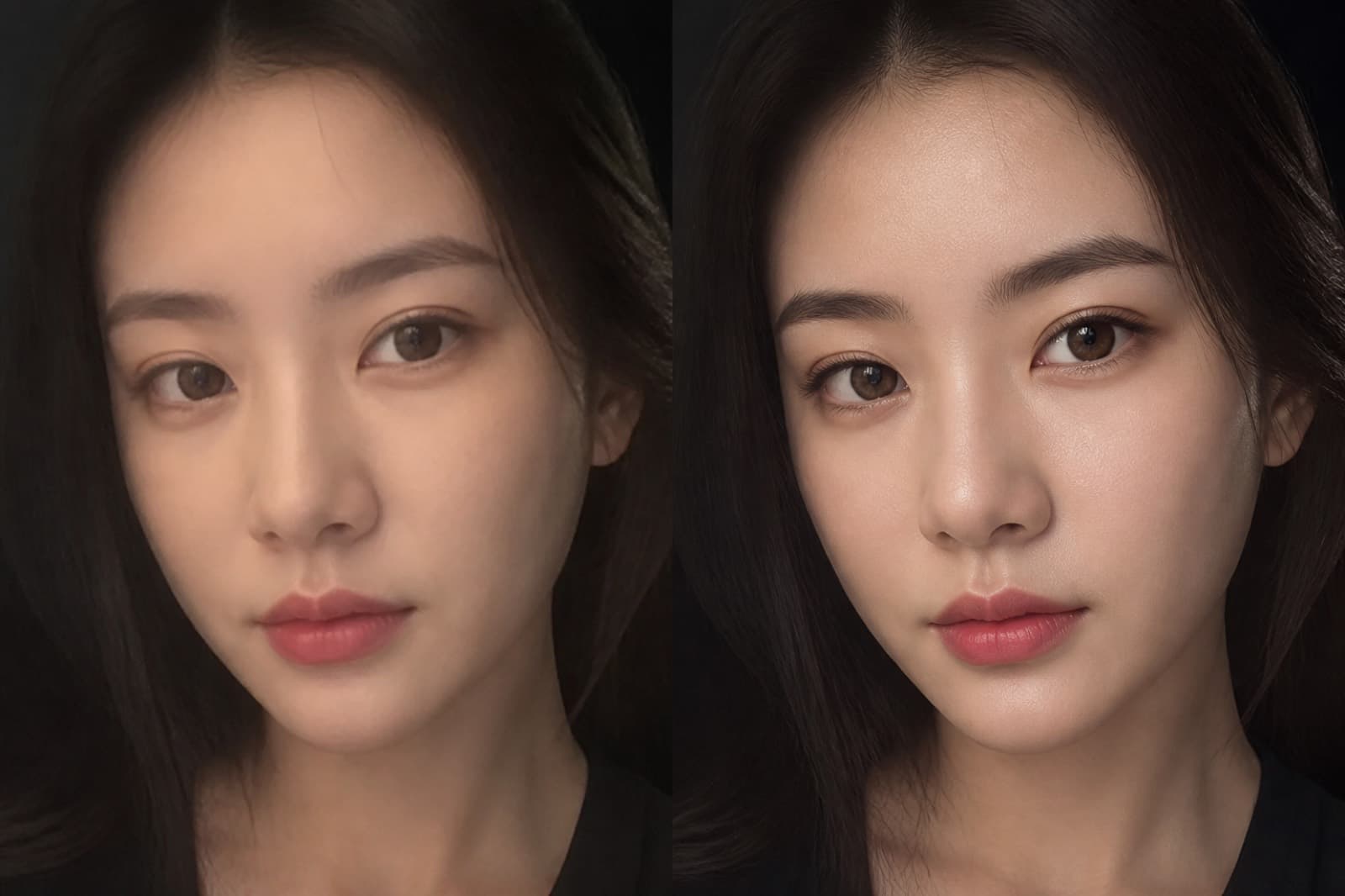
AIPortrait Refine
Clearer skin and features, stable identity.
 AI
AIWraparound View
A 2:1 wraparound environment.
 AI
AIAngle Sheet
Front, side, and back of one subject.
 AI
AIRelight
Change key light and contrast, keep the form.
 AI
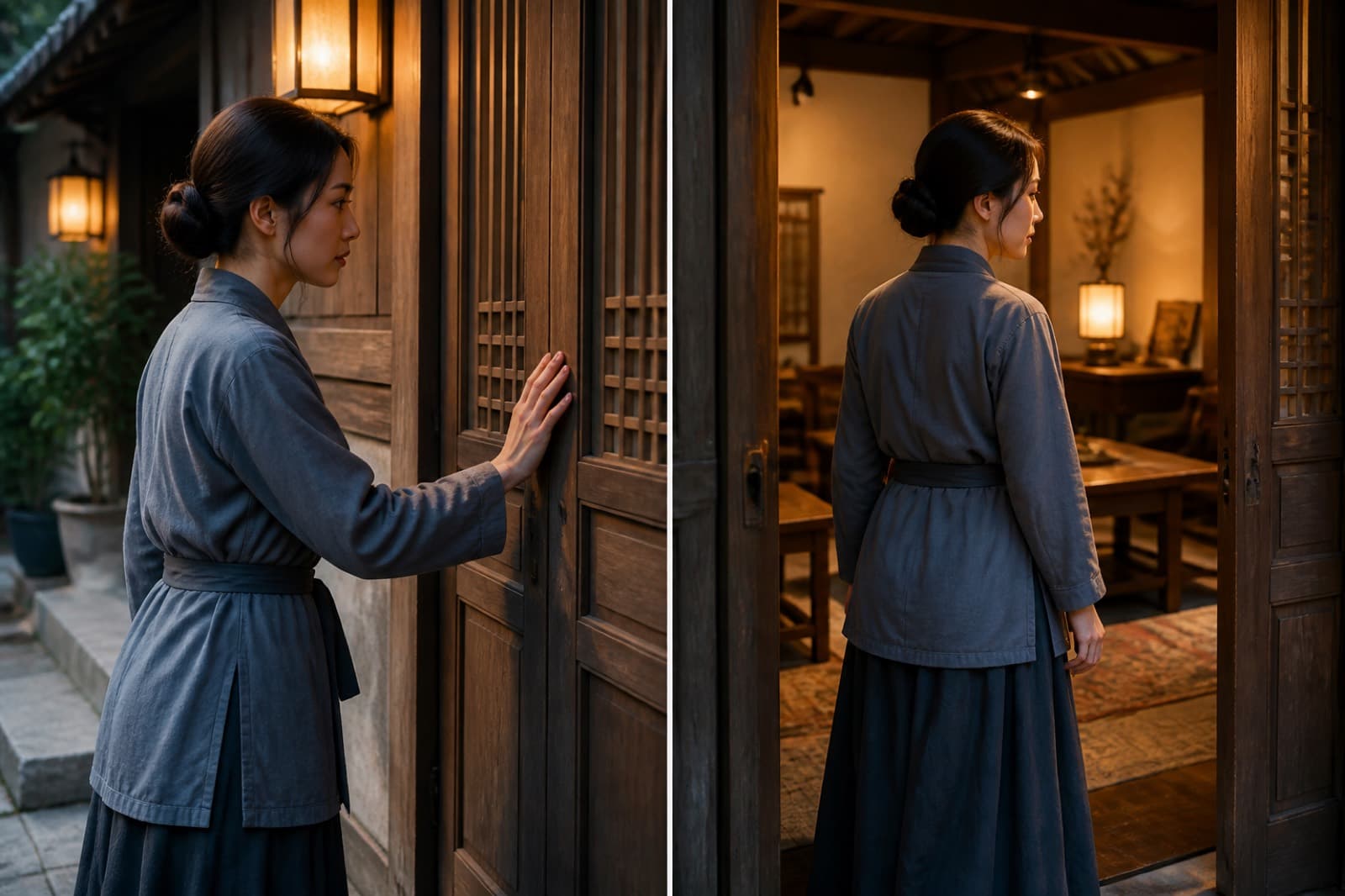
AINext Beat (+3s)
The next beat, about three seconds later.
 AI
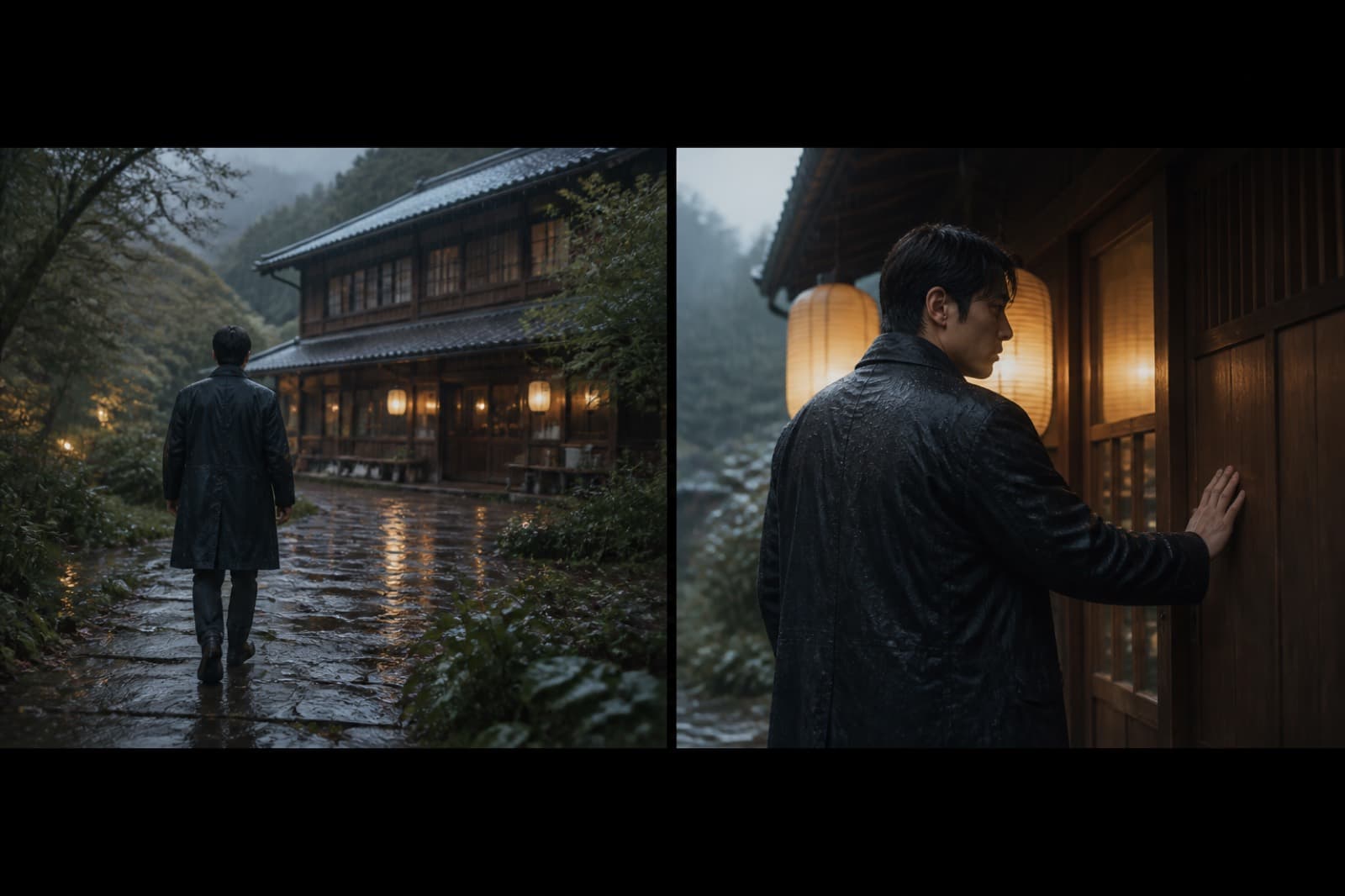
AIPrior Beat (−5s)
The prior beat, about five seconds earlier.
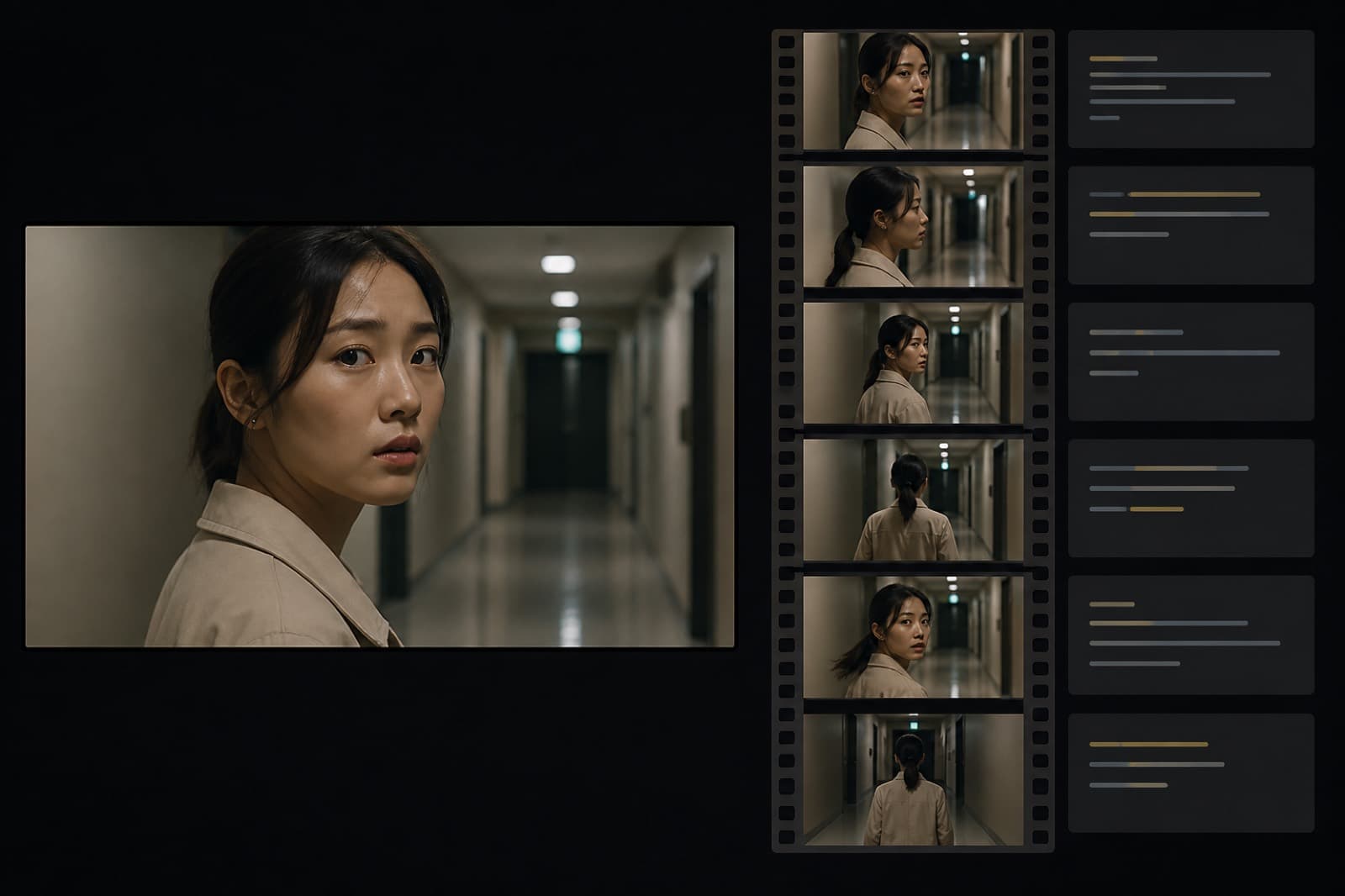 AI
AIShot Breakdown
Break a clip into readable shot notes.
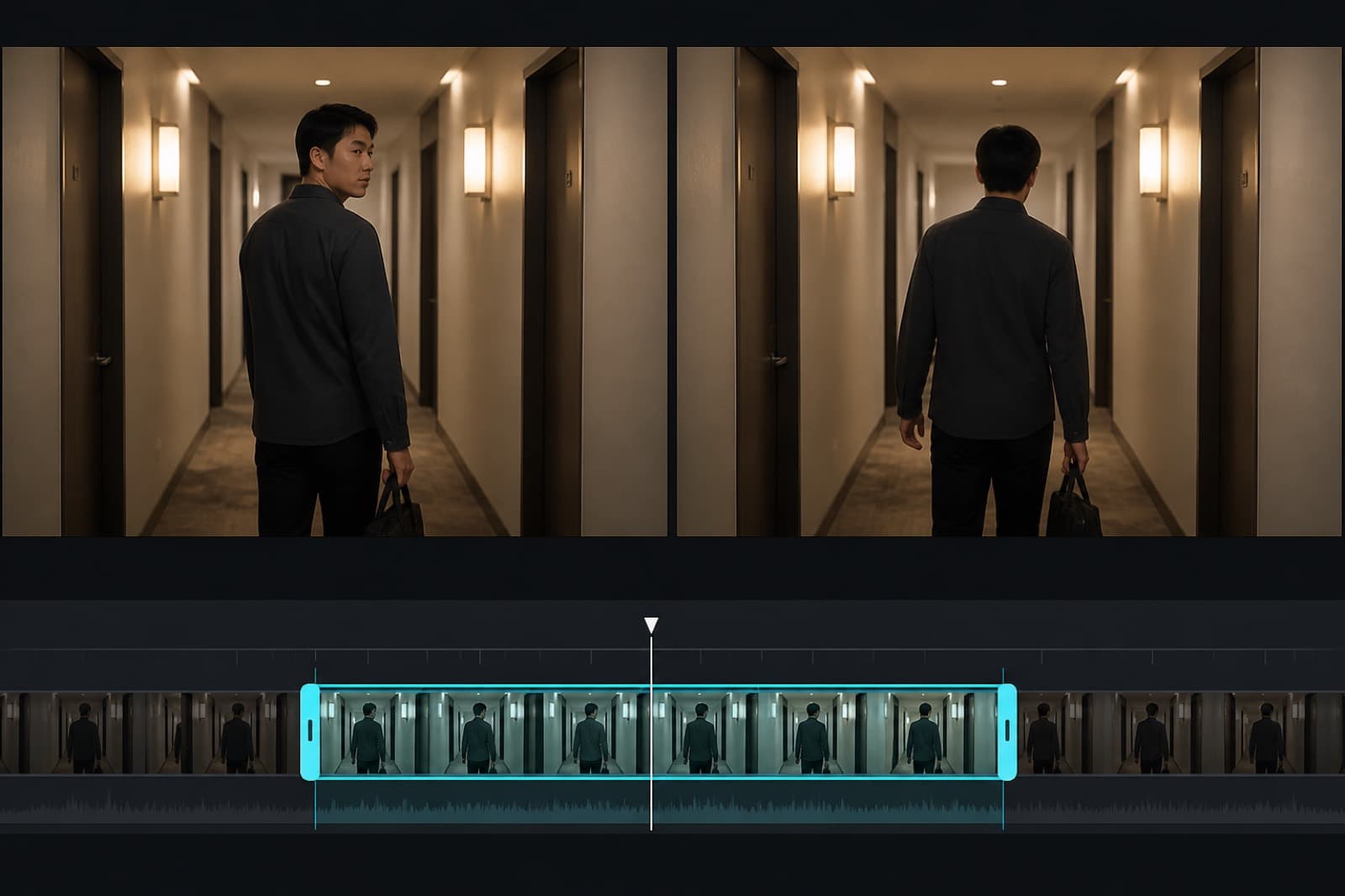 AI
AIReshoot Clip
Mark a span and generate a new clip.
 Cloud
CloudSharpen Video
Scale a clip toward a clearer finish.
 Cloud
CloudBox Mask
Box a region, then cover captions or bugs.
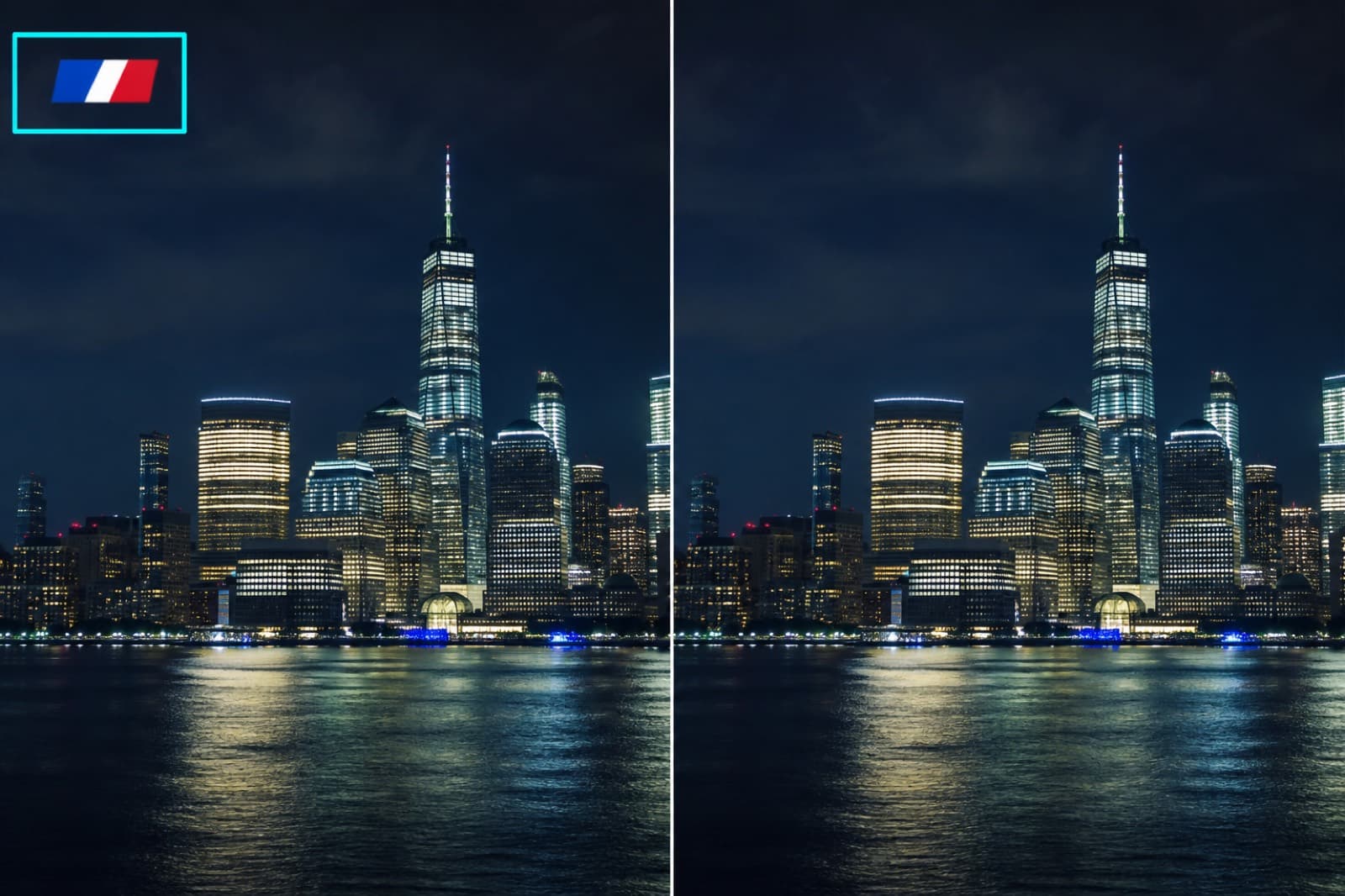 Cloud
CloudBox Mask
Box a region, then cover captions or bugs.
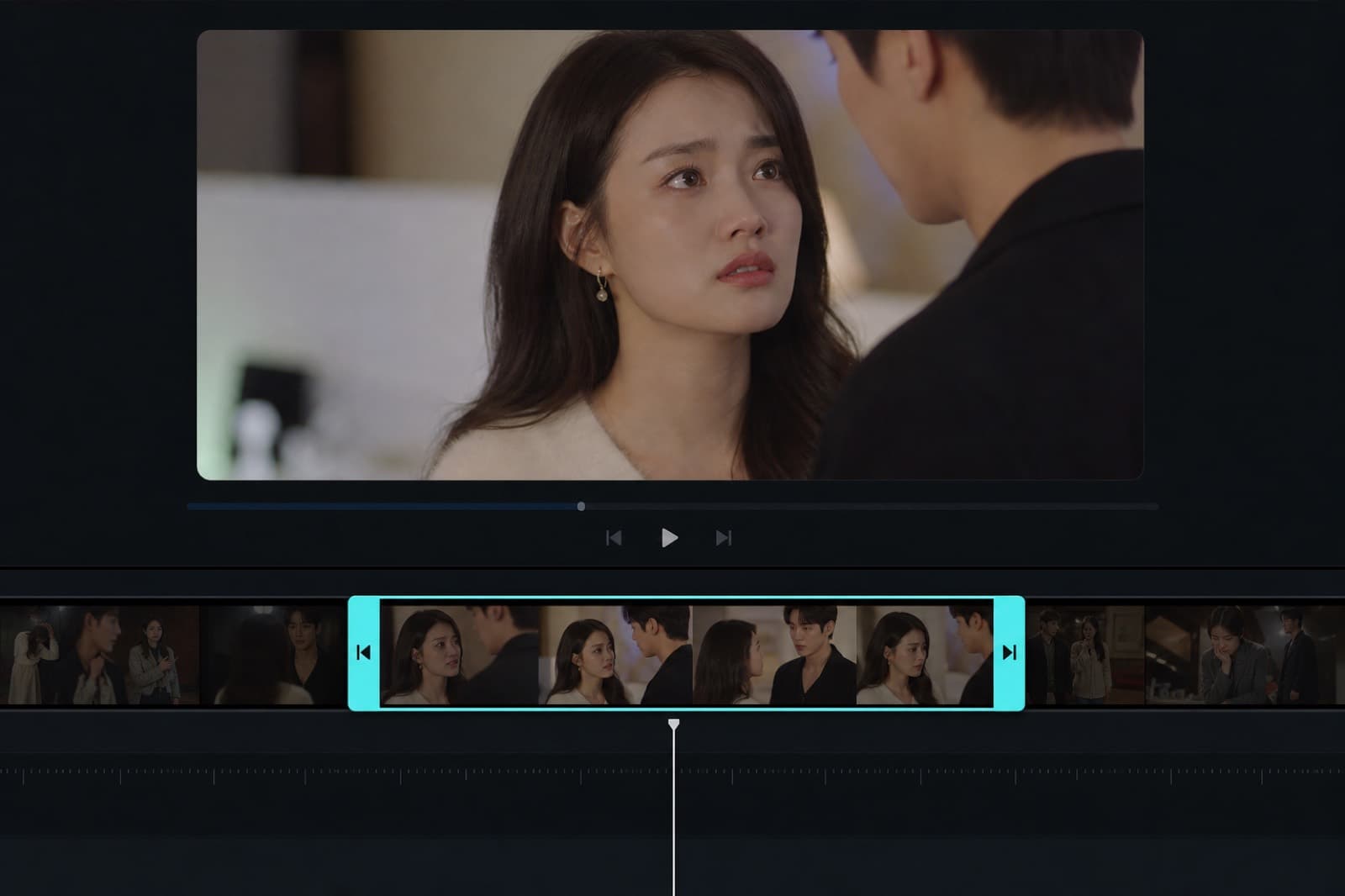 Cloud
CloudTrim Clip
Keep only the span you need.
 Cloud
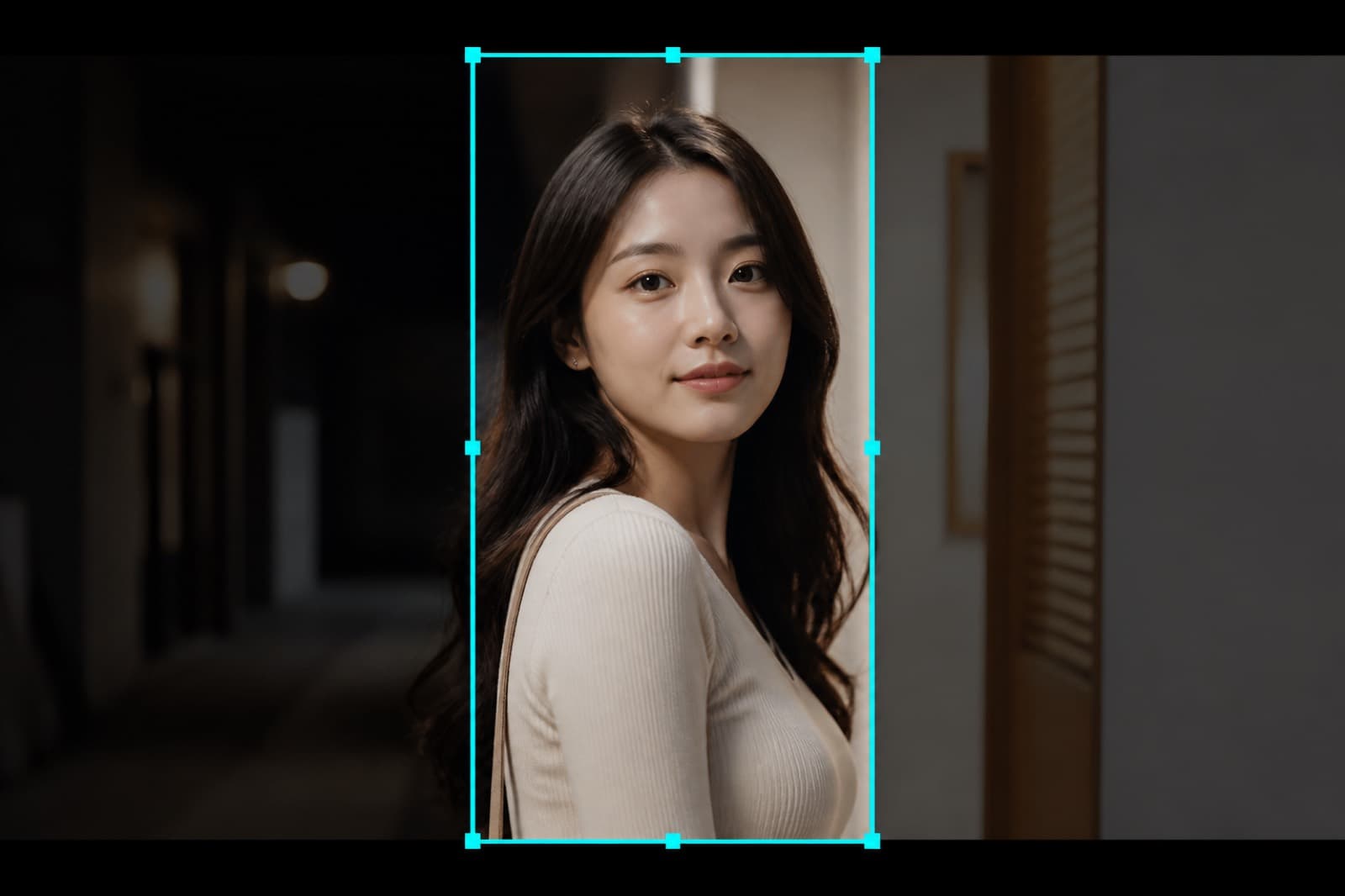
CloudFrame Crop
Crop to vertical, horizontal, or a custom frame.
 Cloud
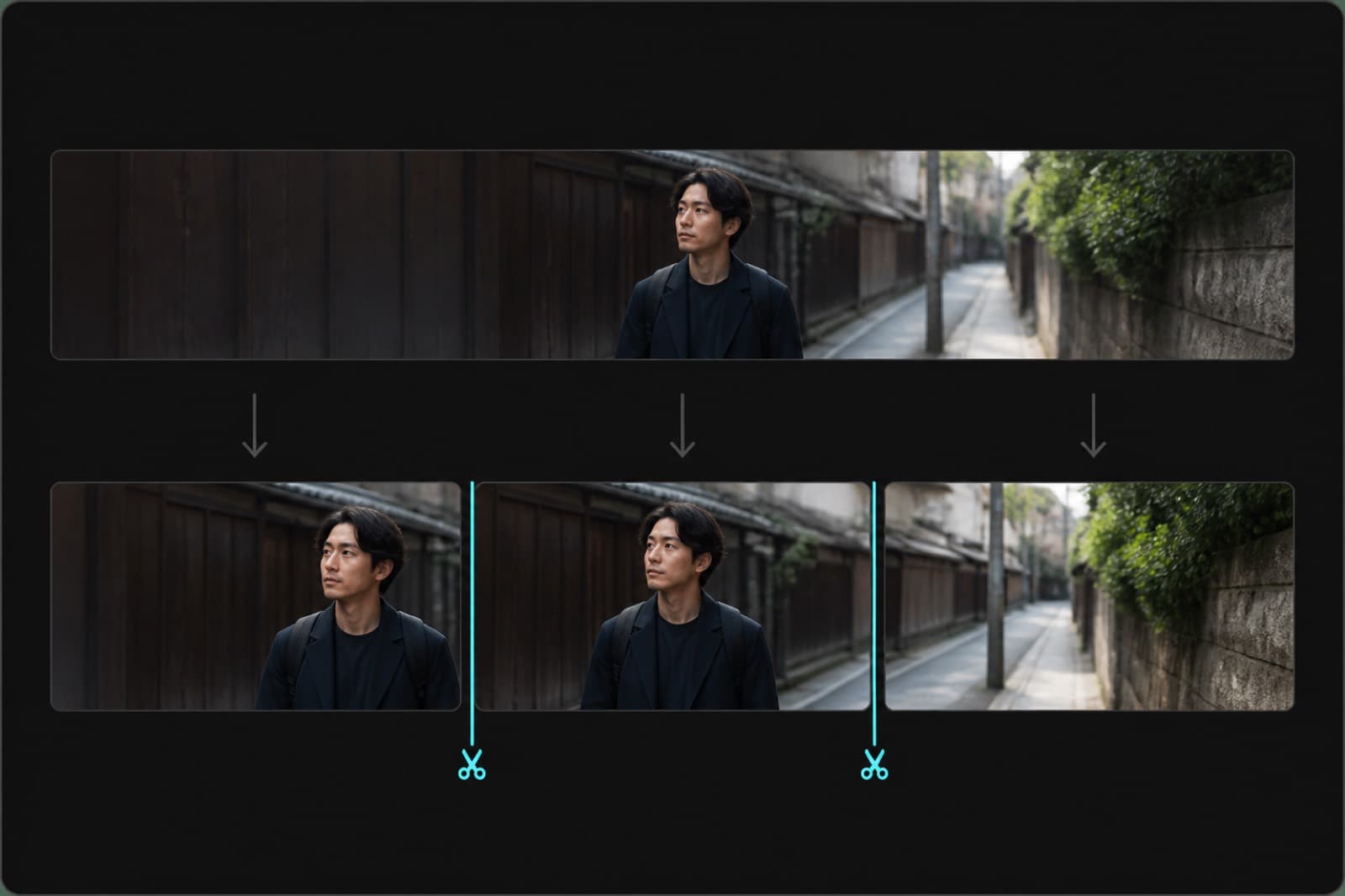
CloudSplit by Duration
Cut by duration so you can reshoot piece by piece.
 Entry
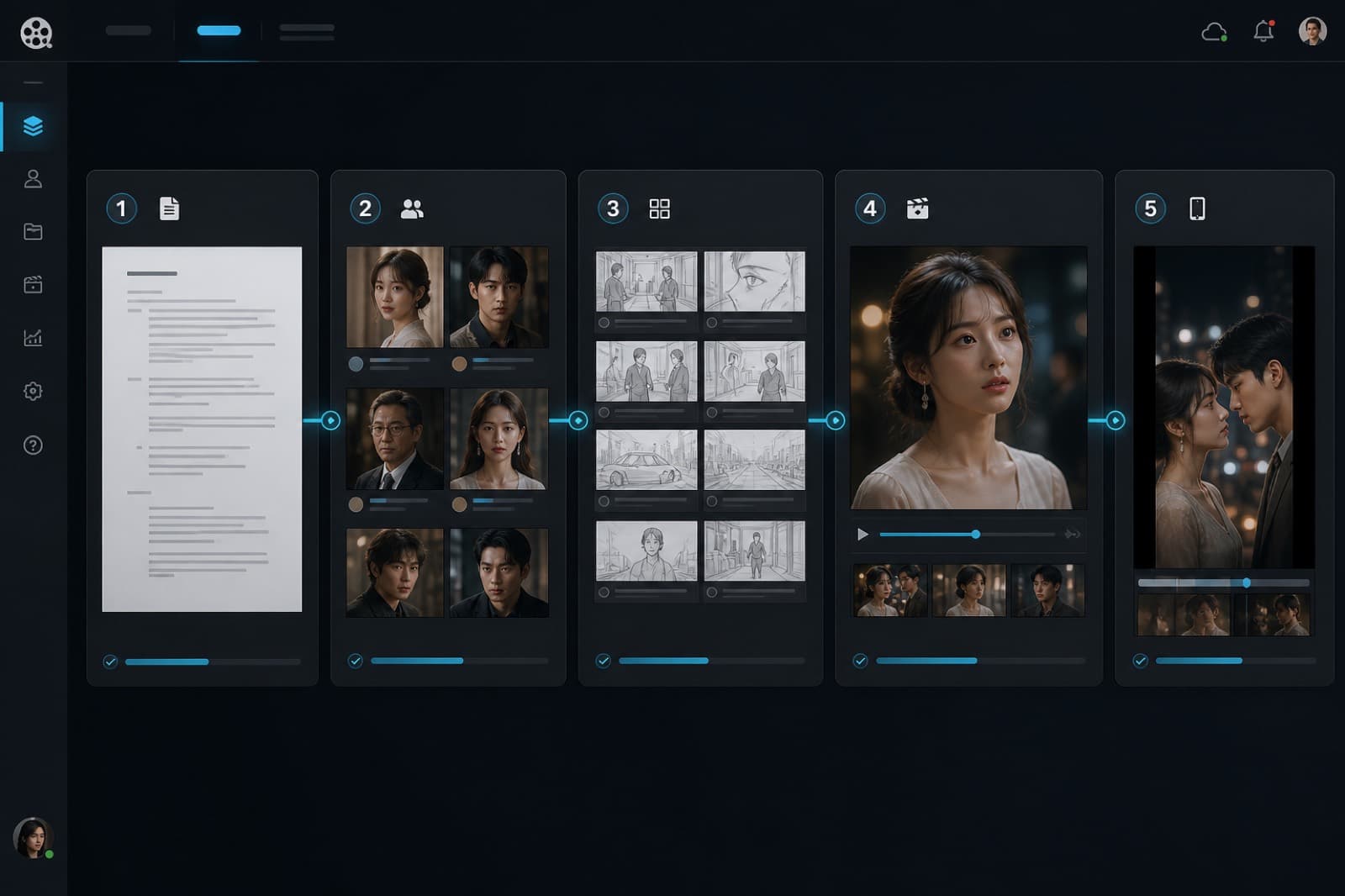
EntryAgent Pipeline
Script to picture in five confirmed steps.
 Entry
EntryVideo Redraw
Upload a cut, break down the script, then remake it in five steps.
 Entry
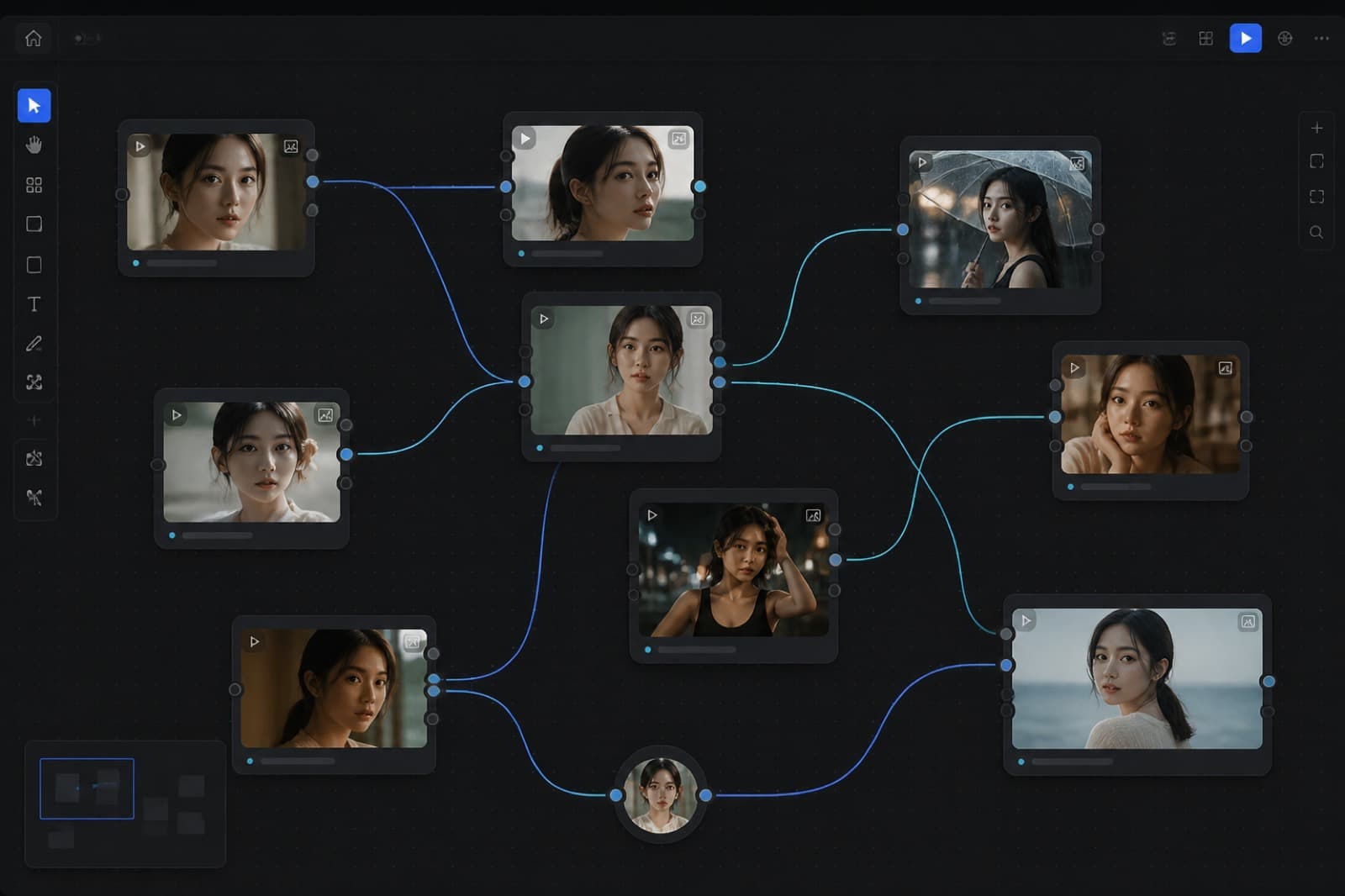
EntryInfinite Canvas
Nodes and edges for shot-level control.
 Entry
EntryAgent CLI
Drive projects and canvas from a local agent.