Pick a topic
Lock one episode's conflict, then confirm refs and boards.
Home / Features / Video Redraw
Entry · free to openVideo redraw is one start of the Agent pipeline. Upload a cut, recover a script you can confirm, then remake it through script, refs, boards, shots, and the cut. This page only takes you into the workspace.
After you sign in, generated assets land in My Projects. Open that list anytime to find them. See more in My Projects
Lock one episode's conflict, then confirm refs and boards.
Script, novel, or short draft — txt / docx / pdf.
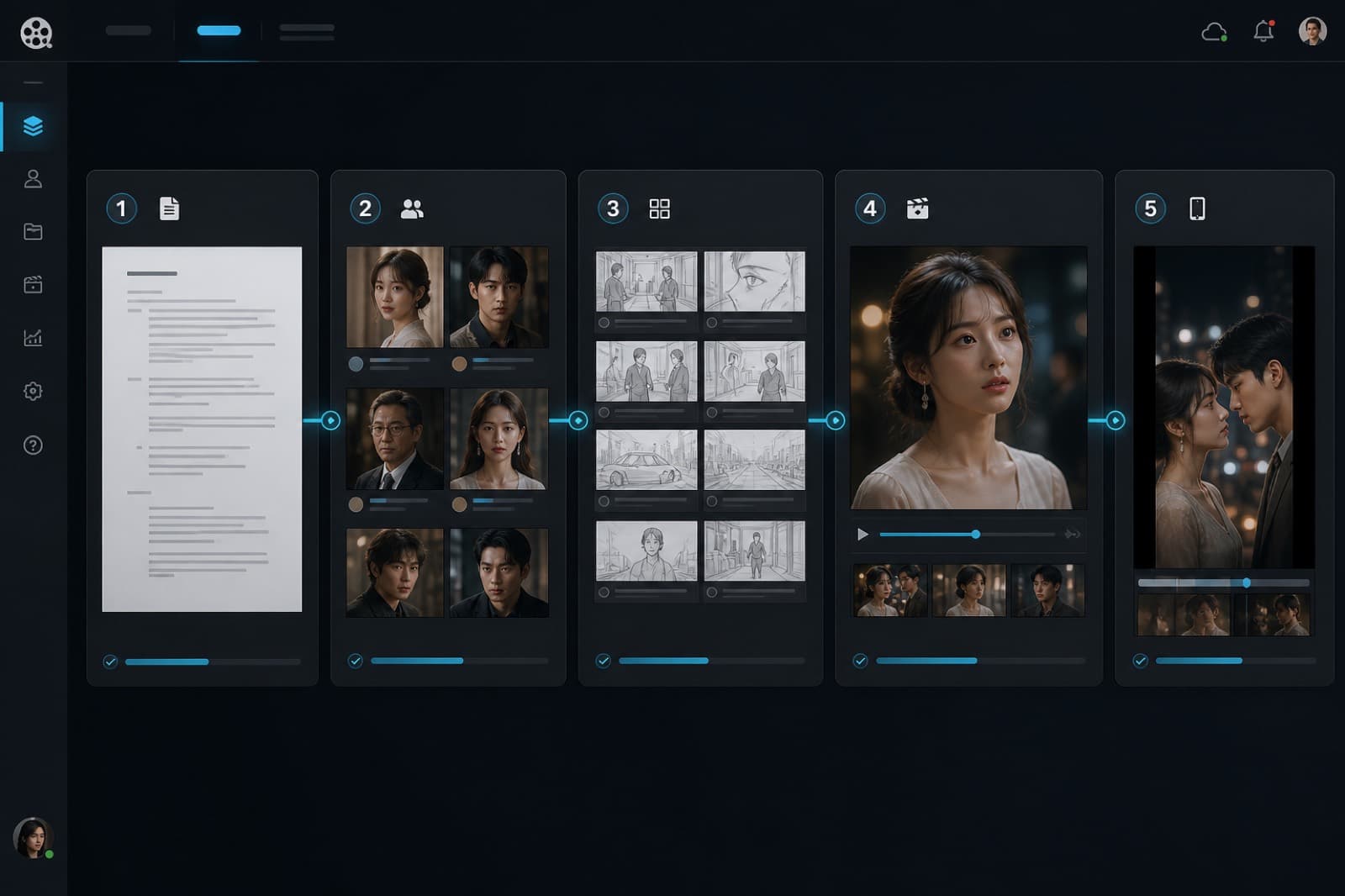
Upload a cut, recover the script, then remake it in five steps.
Each step drafts first; you confirm before the next. The top bar always shows where you are, and finished steps stay open.
Upload a script or let AI draft one, then confirm to build the scene structure.
Lock style, characters, scenes, props, and voices, then finalize each still.
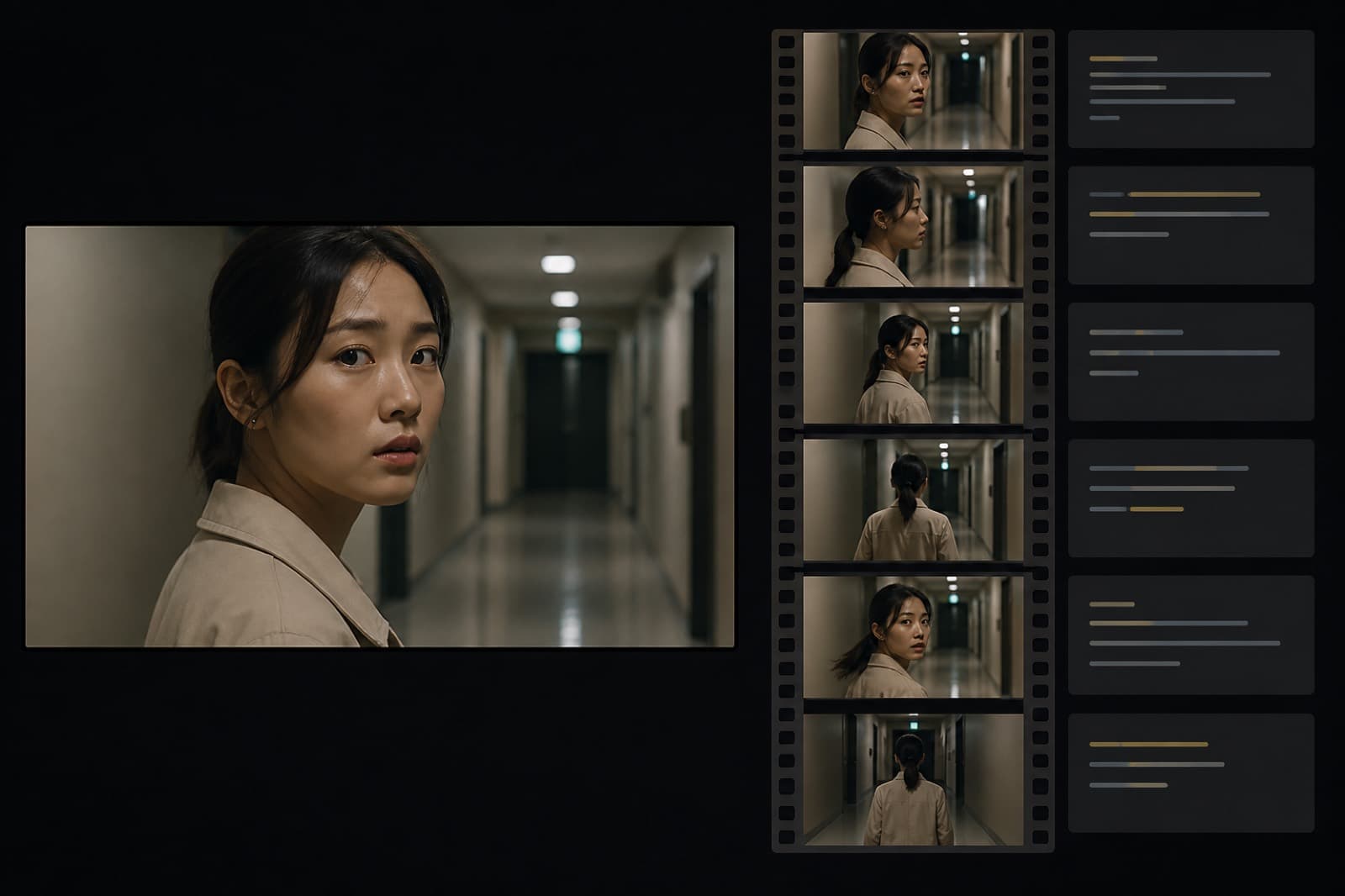
Board scene by scene. Change size and camera. Insert missing shots in place.
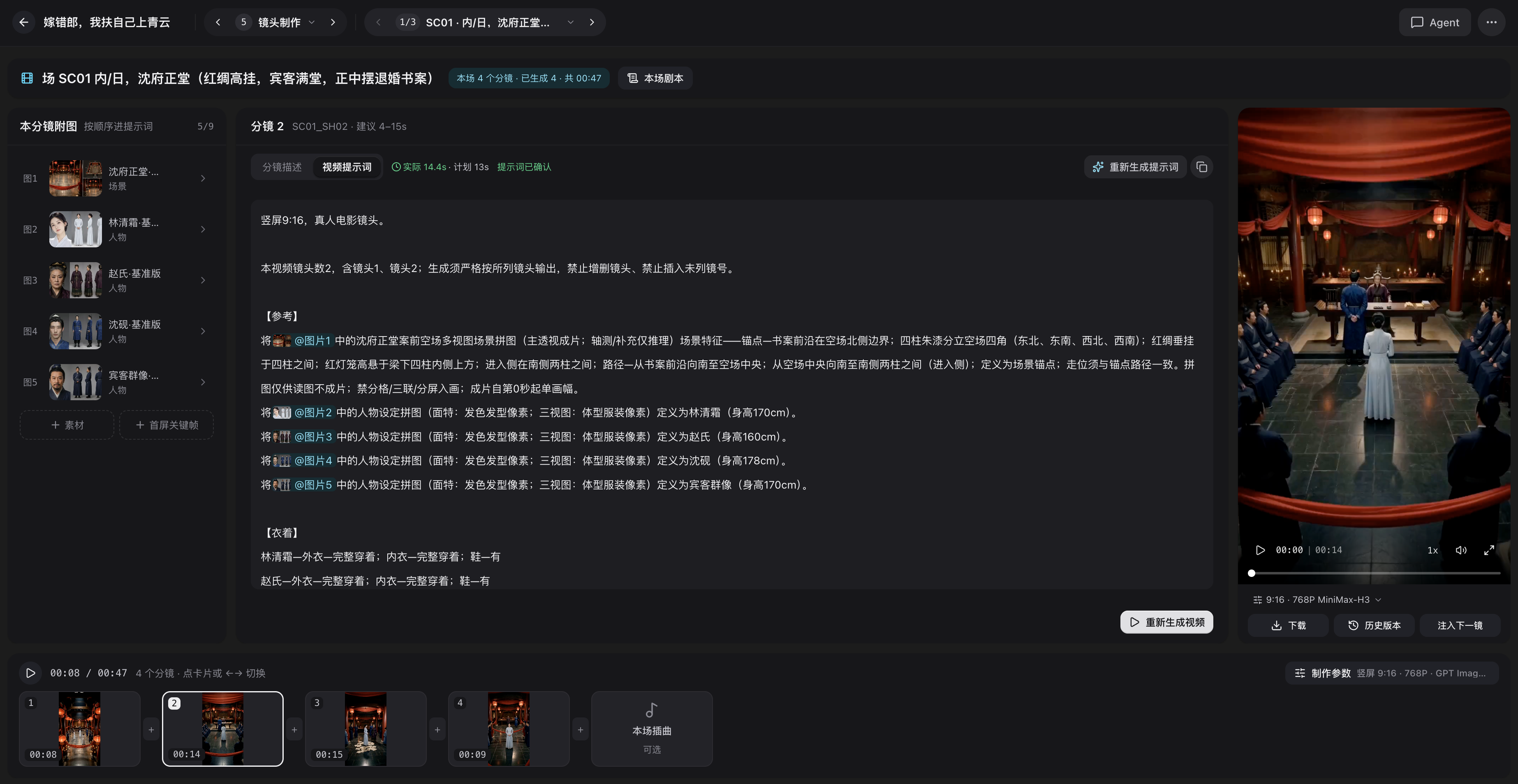
Write prompts and keyframes, then render each shot.
Join clips, add captions and music, export per episode.
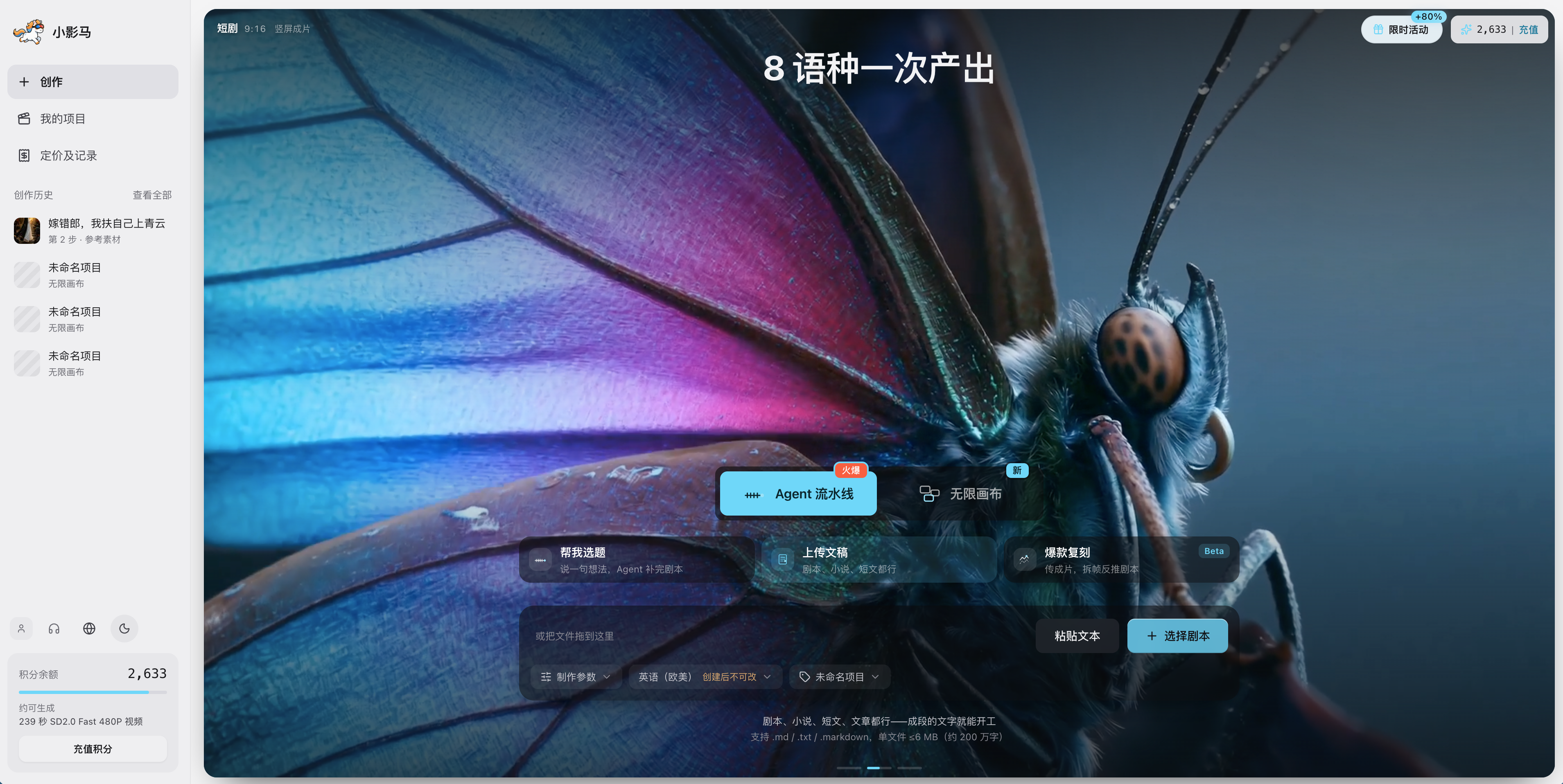
Pick the path when you create the project. Pipeline cannot become canvas later.
01
Upload a draft if you have one. If not, talk out a first draft. Set language and frame when you create the project.
02
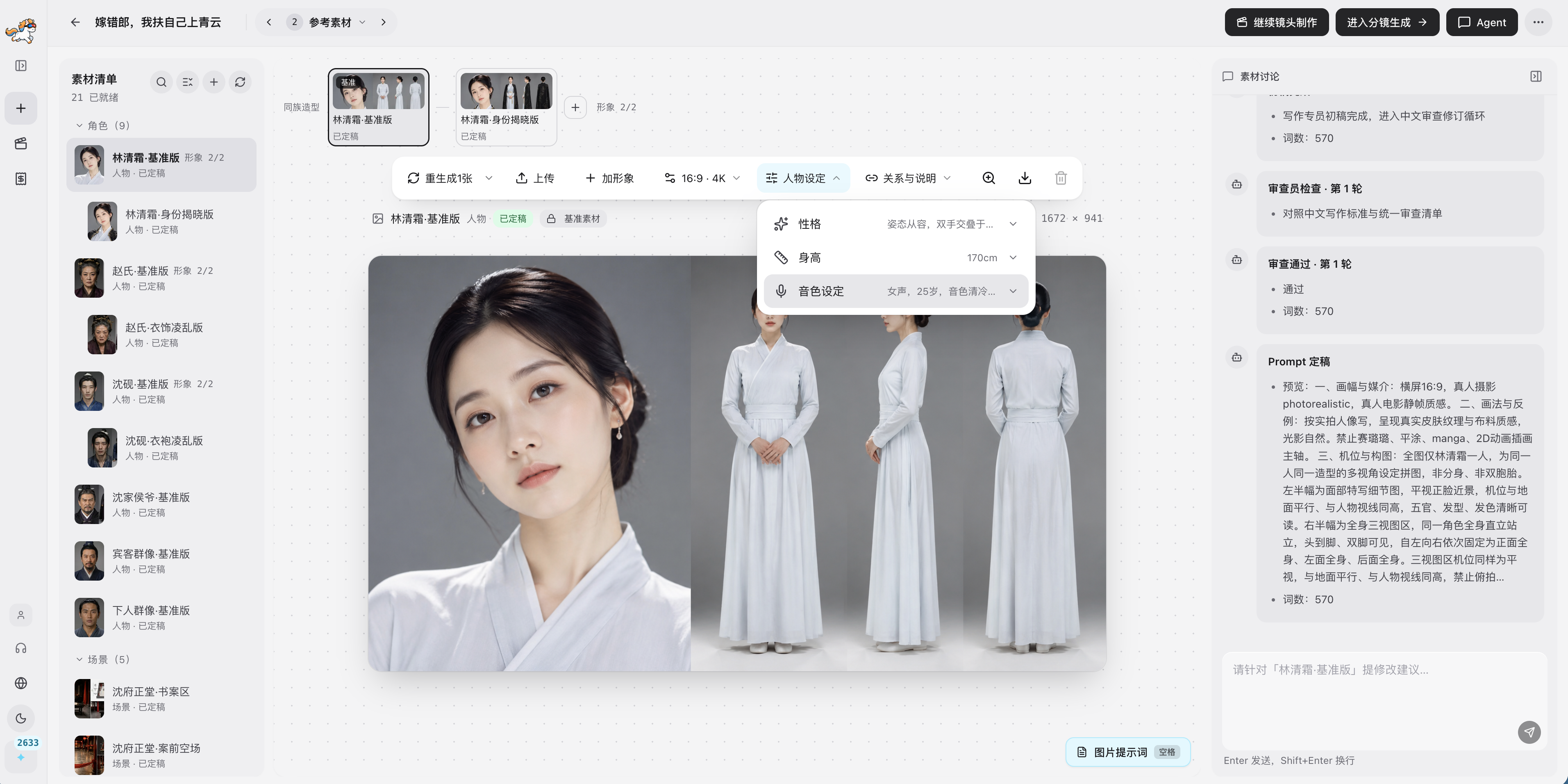
Appearance and voice live together. Only a confirmed pick becomes final, and later shots reuse it.
03
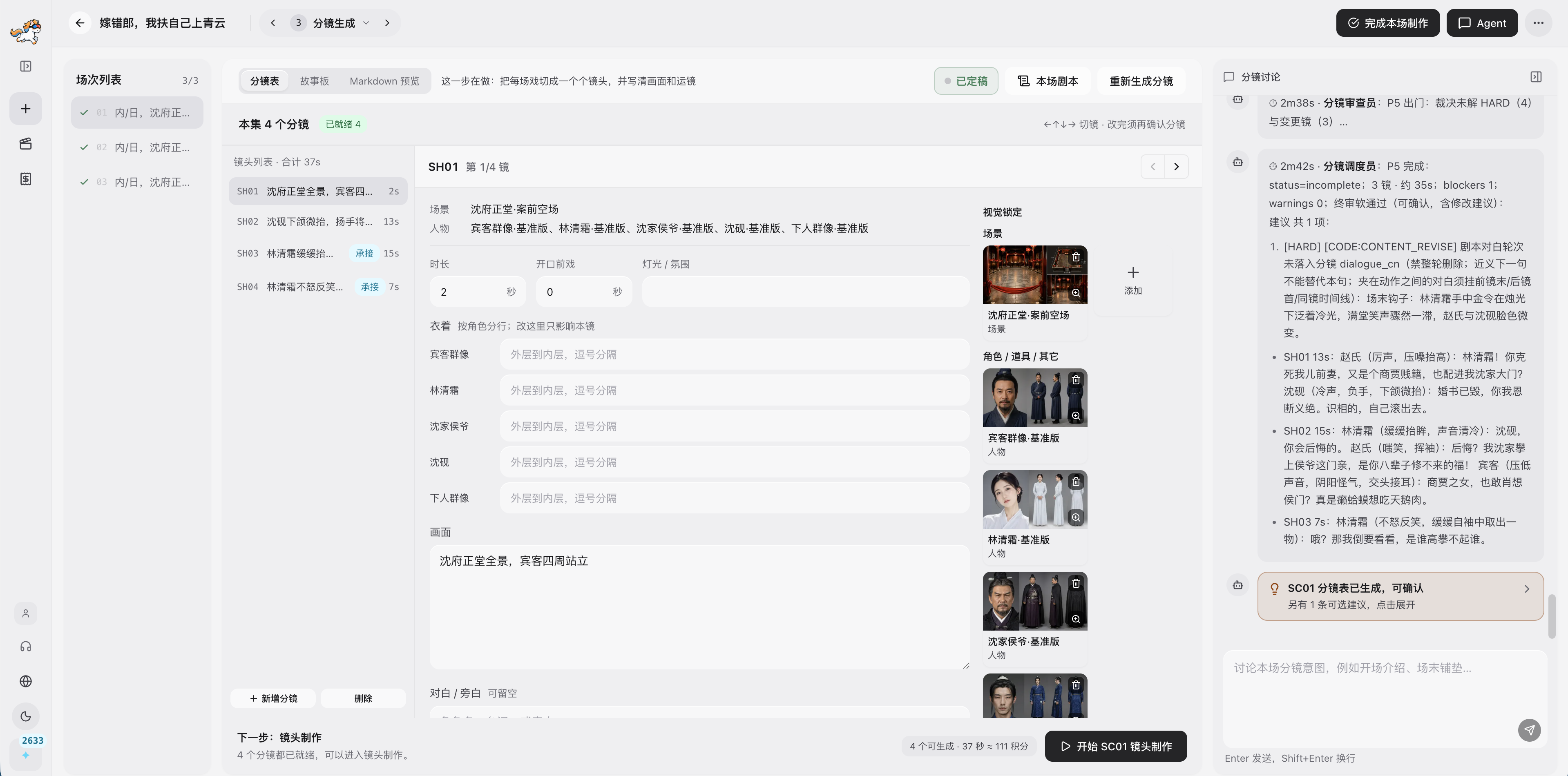
Shot size, camera, and lines are editable. Attach finals and lock them without renumbering scenes.
No. This page only explains the path and takes you to the workspace. Upload, script recovery, and the five steps happen in the Agent pipeline.
Breakdown returns shot notes on its page. Video redraw starts a full episode path: recover the script, then remake it in five steps.
Signed-in results go to My Projects. Open that list later for the same files.