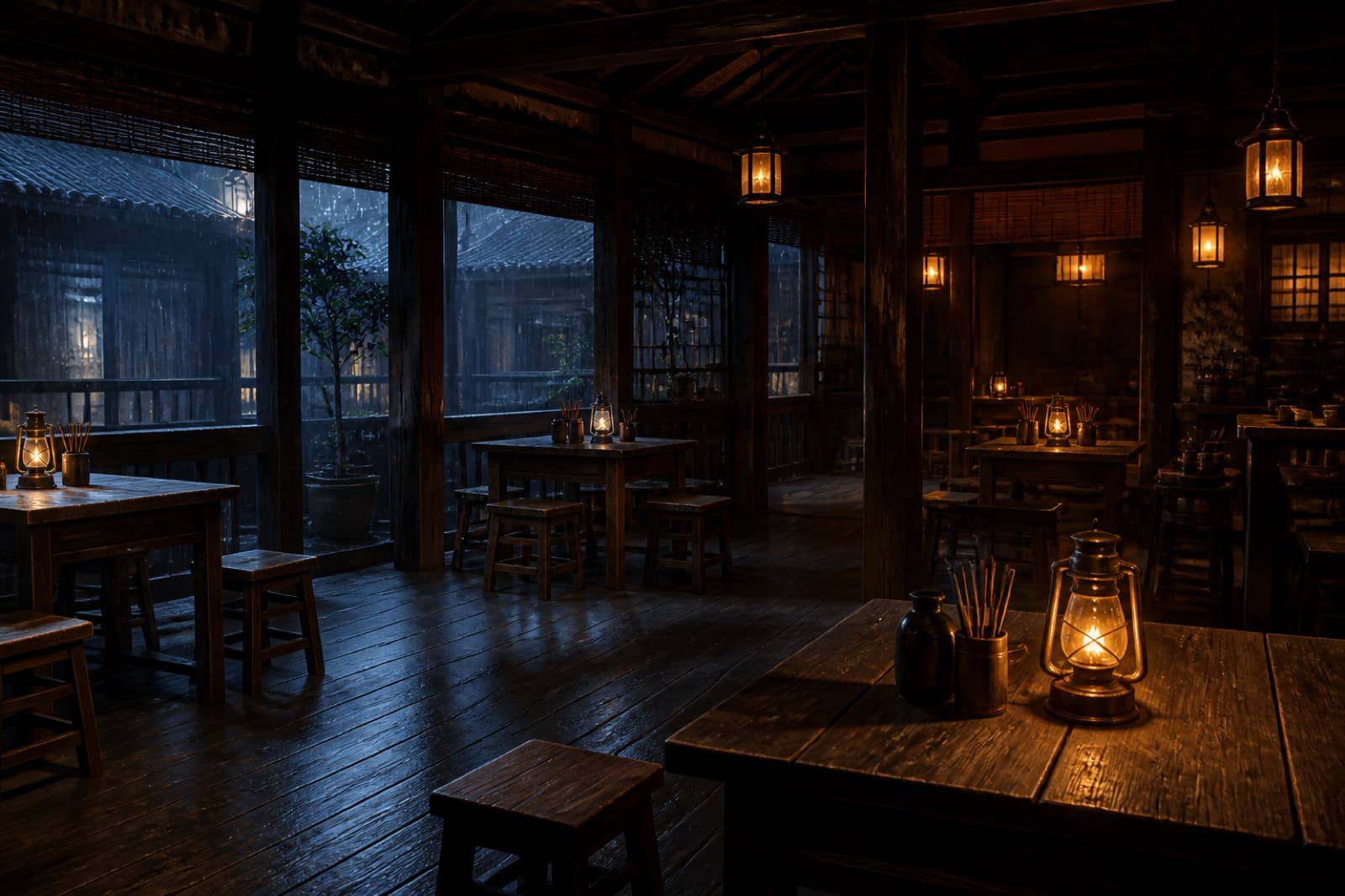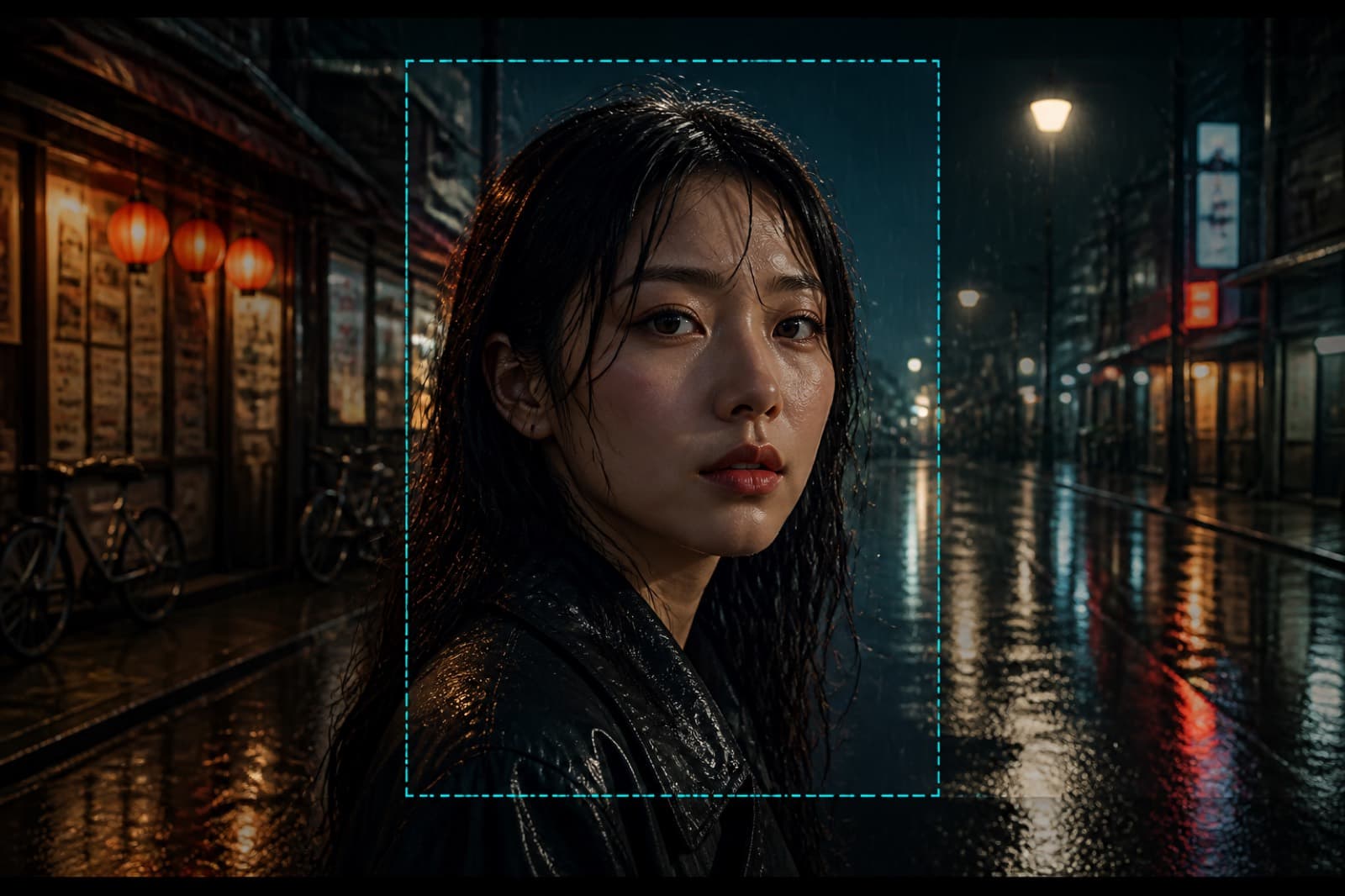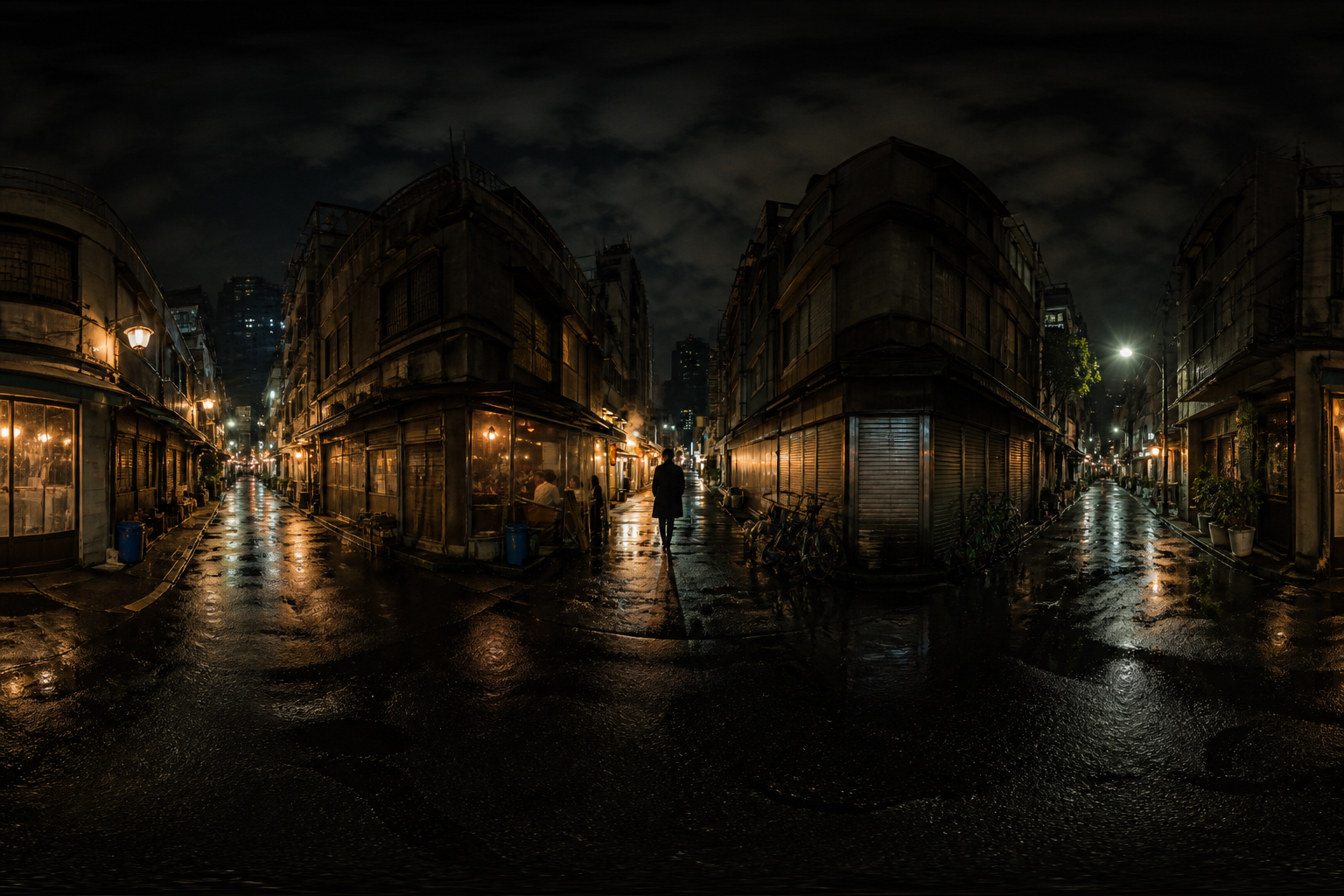
The alley becomes an ultra-wide establish. The figure is small.
Setup
Home / Features / Wraparound View
AI · creditsA 2:1 wraparound environment.
Build an equirectangular environment you can orbit, not a single camera photo.
Click this button, then watch the right side
Sign in with credits to generate here
After you sign in, generated assets land in My Projects. Open that list anytime to find them.
Preview
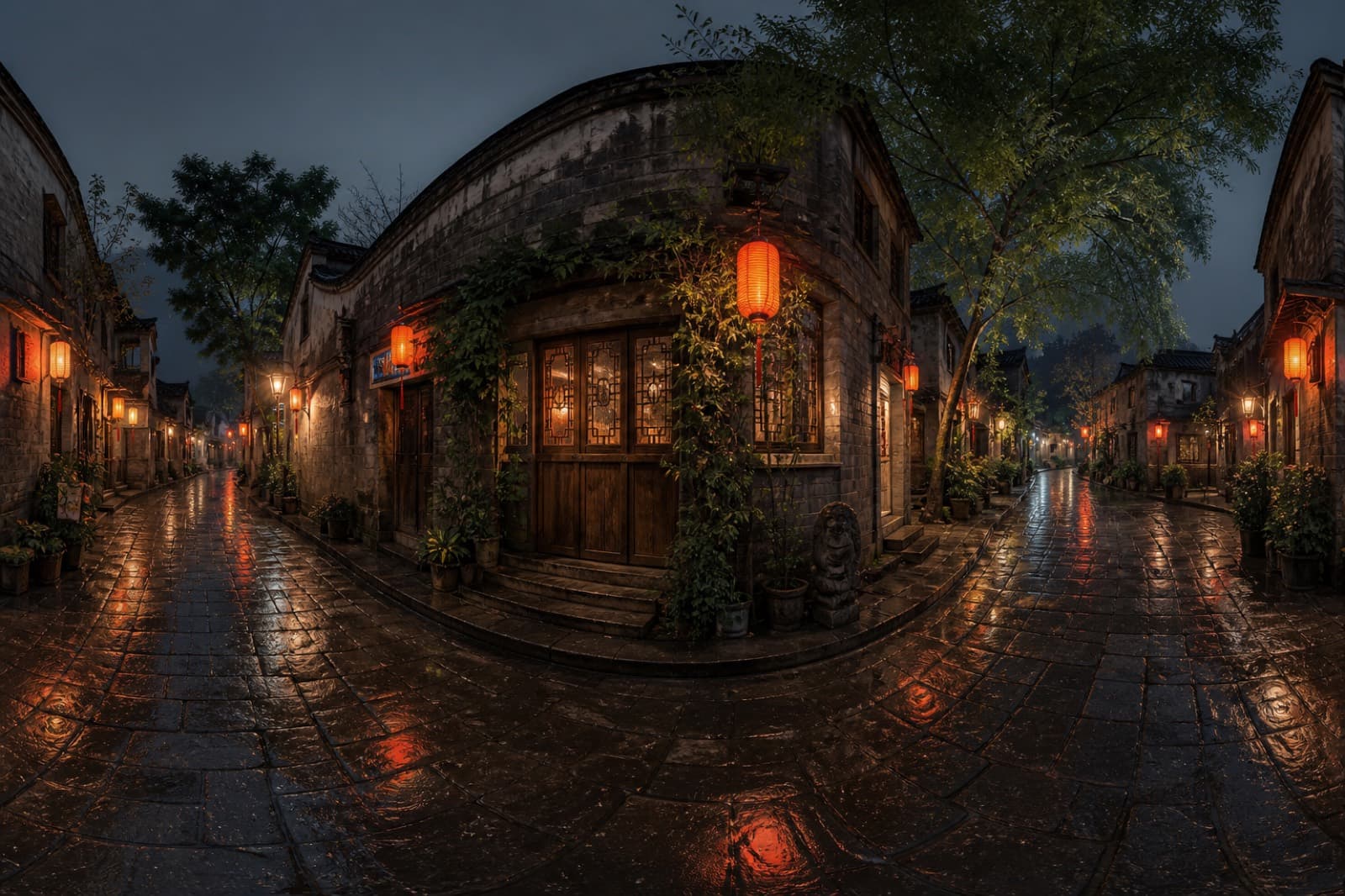
The result appears here
Samples sit under the bench. They are not your upload. Drag the handle on before-and-after pairs.
The alley becomes an ultra-wide establish. The figure is small.
People open Wraparound View to finish one still and take it with them.
01
You have one still and want several cameras or a few action cells.
02
You do not have a board yet. Use a grid to see how the beat moves.
03
You need a wide establish, not another location shoot.
STEP 1
Upload a still that shows the space or the person.
STEP 2
Read the credits, then generate the grid or panorama.
STEP 3
Download the full sheet, or take one cell into canvas.
You can read the page and examples first. Generate asks you to sign in. An empty generate stays here.
The generate button shows the estimate. Image jobs default to the site model and one 2K still. Local crop and annotate cost nothing.
Signed-in results go to My Projects. Download here, or open My Projects later for the same files.
This page returns the full grid. Crop a cell or take it into canvas.
Failed jobs are usually not charged. The button is an estimate; the ledger shows the successful charge.